
How GPUs and AI Hardware Are Evolving in 2026 — What You Need to Know Before Buying
By Mag-Info Tech editorial · 2026-06-10
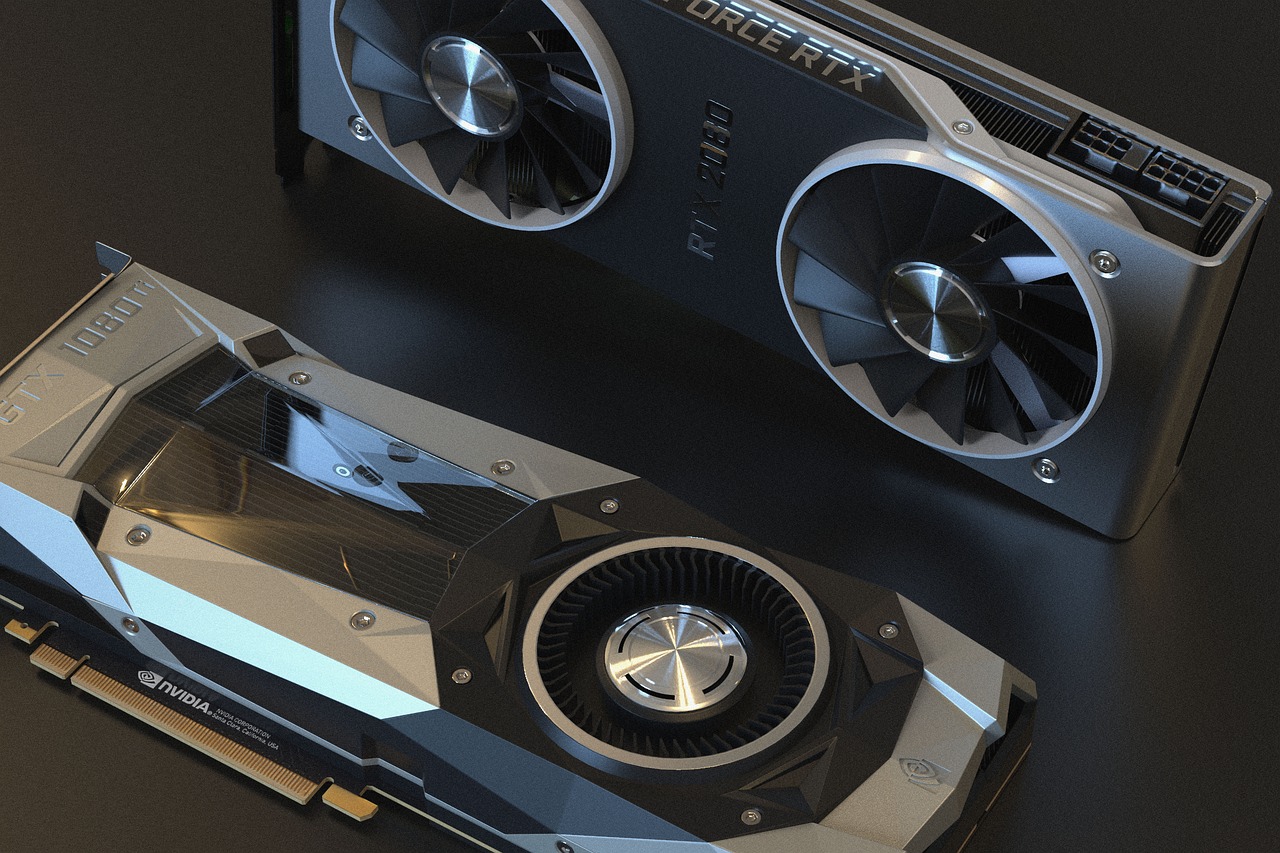
Why GPUs and AI Hardware Are Changing in 2026
The line between graphics and AI compute is blurring. In 2026, GPUs are no longer just for rendering; they are the primary accelerators for training and running AI models. This shift is driven by architectural advances that increase on-chip AI-specific cores, memory bandwidth tuned for large matrices, and software stacks that make it easier to mix graphics and AI workloads on the same device. For buyers, this means older advice about “gaming GPUs” versus “AI GPUs” no longer holds. Modern cards are purpose-built hybrids, and the best choice depends on what kind of AI work you plan to do.
The change is visible in three areas: chip design, memory architecture, and software integration. Vendors now bake AI engines directly into the GPU die, pair high-bandwidth memory with on-package cache, and expose unified APIs so developers can switch between graphics and inference without rewriting core logic. This evolution benefits researchers who need both visual output and fast matrix math, engineers running LLMs locally, and even creative professionals who want real-time generative effects. If you’re shopping for hardware today, understanding these shifts will save you from buying a card that becomes obsolete faster than expected.
What’s New in GPU Architecture for AI in 2026
In 2026, GPUs have moved beyond traditional CUDA cores to include dedicated Tensor Cores or AI Matrix Engines that operate independently from shading units. These blocks are optimized for FP8, INT4, and even FP4 precision, enabling much higher throughput for inference and fine-tuning. The leading vendors have also increased the size and number of these AI accelerators per chip, often doubling or tripling their count compared to 2024 models. This architectural change means a mid-range card from 2026 can outperform a high-end card from 2024 on common AI benchmarks, especially when running quantized models.
Another architectural leap is the integration of on-die SRAM or HBM stacked alongside the GPU. This high-speed memory acts as a scratchpad for intermediate activations, reducing trips to main VRAM and cutting latency for large models. Some chips now expose this memory directly to the AI engines, allowing developers to load model weights once and reuse them across multiple inference calls without re-fetching from slower DRAM. For buyers, this translates to lower power draw and faster response times during continuous inference workloads like chatbot serving or real-time image generation. When comparing cards, look for explicit mention of “on-package cache” or “HBM3E support” in the specs.
Memory Bandwidth and Capacity: The Bottleneck That Isn’t Going Away
Memory bandwidth remains the single biggest limiter for AI workloads. In 2026, GPUs ship with either GDDR6X-class bandwidth or HBM3E stacks, and the difference is stark. Cards using HBM3E can deliver up to 1.5 TB/s of bandwidth with capacities up to 32 GB, while GDDR6X-based designs max out around 1 TB/s with 24 GB. For training large models, HBM is essential; for inference of smaller models or edge deployment, GDDR6X is often sufficient and more power-efficient. Buyers should match memory capacity to model size: an 8B parameter model can run on 16 GB, but a 70B parameter model needs at least 40 GB to avoid swapping.
Cooling and power delivery have also evolved to handle sustained AI workloads. Newer cards include liquid metal thermal interfaces, vapor chambers, and multi-phase power designs that prevent thermal throttling during long-running matrix multiplications. Some vendors now ship cards with external power connectors rated for 600W or 750W, reflecting the higher sustained power draw of AI acceleration. If you plan to run models 24/7, prioritize cards with robust cooling and power delivery, even if it means a larger form factor or louder fans.
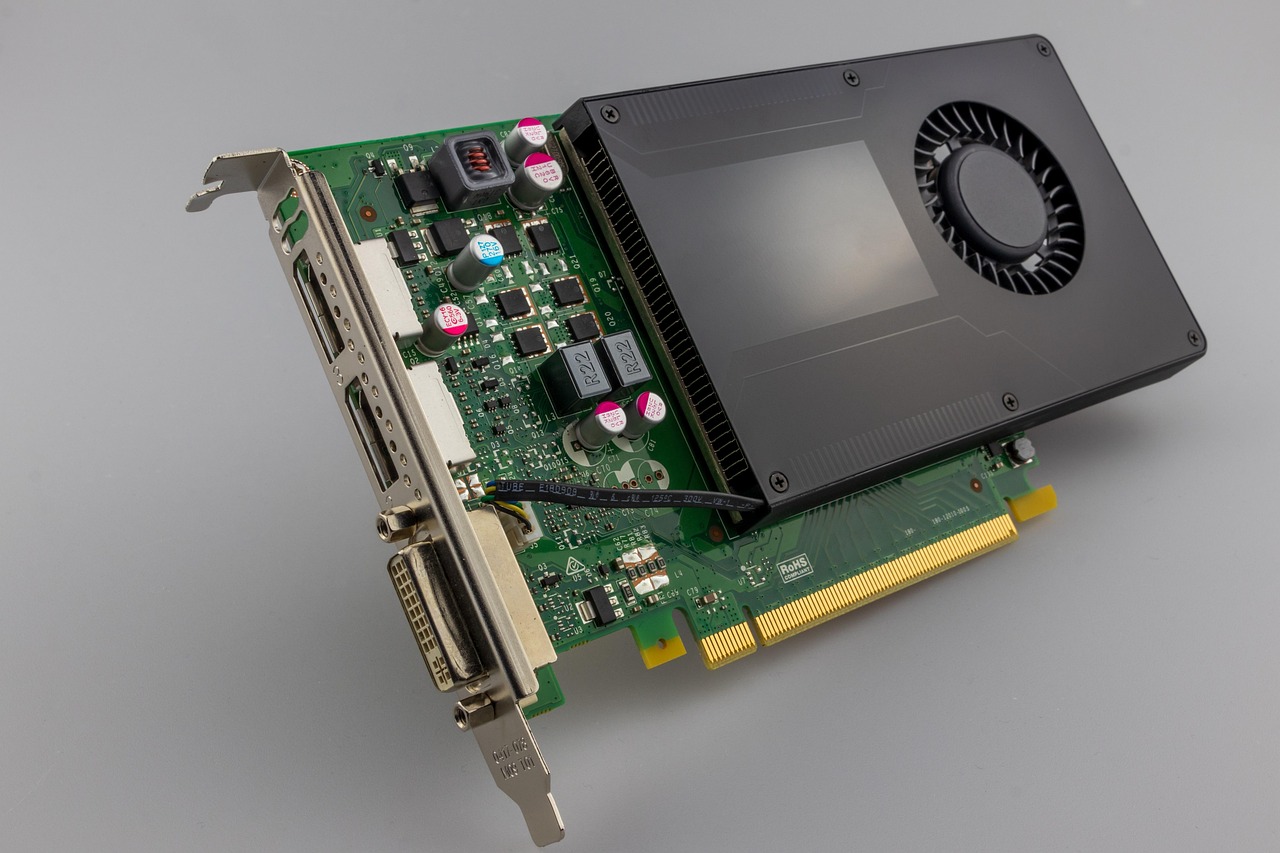
NVIDIA Still Leads for Training, But Alternatives Are Catching Up
NVIDIA remains the de facto standard for AI training in 2026, thanks to mature software stacks, CUDA, cuDNN, and TensorRT. The latest Blackwell-based GPUs include fourth-generation Tensor Cores and support for FP4 precision, delivering up to 4x the inference performance of previous generations on quantized models. NVIDIA’s ecosystem also includes NeMo for LLM training and TensorRT-LLM for optimized inference, which are now industry benchmarks. For teams building or fine-tuning models, choosing an NVIDIA GPU is the safest path to compatibility and support.
Yet competition is fierce. AMD’s latest CDNA 4 GPUs now include AI accelerators called Matrix Cores that rival Tensor Cores in raw throughput for FP16 and BF16 workloads, and they run cooler and draw less power. Intel’s latest Xe architecture GPUs, codenamed “Ponte Vecchio Next,” integrate both Xe Matrix Engines and HBM2E, targeting data center and edge inference. For buyers who want to avoid vendor lock-in or reduce costs, these alternatives are viable, especially for inference and fine-tuning. Just be aware that software support and third-party optimizations may lag behind NVIDIA’s ecosystem.
Choosing the Right GPU for Your AI Workload
The best GPU depends on your primary task. If you’re training large language models or diffusion models, prioritize high memory capacity, HBM, and robust cooling. NVIDIA’s top-tier Blackwell cards are purpose-built for this, but AMD’s CDNA 4 and Intel’s Xe GPUs are credible alternatives if you’re willing to port code or accept slightly lower performance on some ops. For inference—especially real-time or edge deployment—mid-range GPUs with GDDR6X and strong AI core counts are often sufficient and more power-efficient. Look for cards that expose FP8 or INT4 support and have low idle power draw.
Creative professionals using AI tools for generative art or video will benefit from GPUs that balance shading and AI throughput. NVIDIA’s latest RTX cards include both fourth-gen Tensor Cores and updated RT Cores, enabling real-time Stable Diffusion XL or 3D model generation. AMD’s RDNA 4 GPUs also include AI accelerators labeled “AI Accelerators” or “Hyper-RX AI,” which help with upscaling and denoising. For these users, the choice often comes down to which ecosystem integrates best with their creative software—NVIDIA for Adobe and Autodesk plugins, AMD for open-source pipelines and lower power bills.
Edge AI: GPUs for On-Device Inference
Edge AI is growing fast, and in 2026, GPUs are available in compact form factors for embedded systems. NVIDIA’s Jetson Orin series and AMD’s Ryzen AI-powered APUs now include AI accelerators derived from their desktop GPUs, optimized for low power and small size. These chips are designed for real-time inference in robots, drones, medical devices, and retail kiosks. When evaluating edge GPUs, look for TOPS (tera operations per second) ratings and thermal design power under 15W. Also check for supported frameworks—Jetson supports TensorRT, while AMD’s APUs favor ONNX Runtime and ROCm.








Real results from MEFAI's AI. Get $50 off the Pro plan.
Sponsored · Past performance is not indicative of future results. Not financial advice.

Another trend is the rise of AI-focused system-on-chip designs that integrate CPU, GPU, and NPU into a single package. Qualcomm’s latest Snapdragon X series and MediaTek’s Dimensity AI chips now include dedicated AI engines that offload matrix math from the GPU, improving efficiency. For buyers targeting mobile or embedded devices, these SoCs offer the best power-per-watt for inference tasks. They’re not as flexible as discrete GPUs for training, but they excel at running quantized models on battery power.
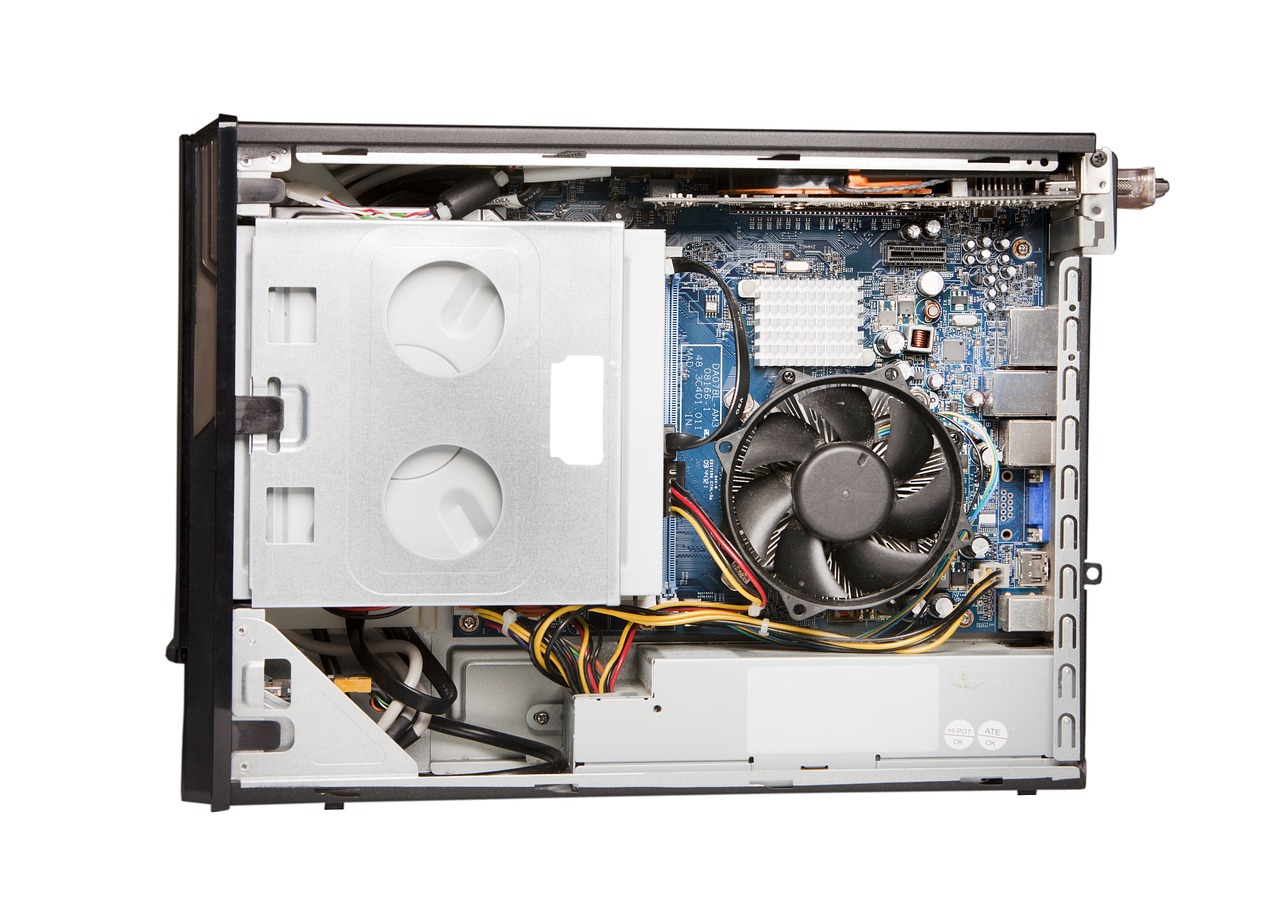
Power, Cooling, and Form Factor Considerations
AI workloads push GPUs to their thermal and electrical limits. In 2026, vendors ship cards in three main form factors: full-size desktop cards (up to 450W), compact workstation cards (200–300W), and embedded modules (under 100W). Full-size cards require robust power supplies, multiple PCIe power connectors, and large heatsinks or liquid cooling. Compact cards fit into 2-slot workstations but may throttle under sustained load. Embedded modules need careful thermal design and often rely on passive cooling or heat pipes.
Power delivery is no longer optional. High-end AI GPUs now ship with dual 12VHPWR connectors or proprietary 16-pin connectors rated for 600W or more. Some vendors include AI-based power management that dynamically adjusts clock speeds based on workload, reducing power draw during idle periods. If you’re deploying in a data center or lab, plan for adequate power distribution and cooling. For home labs, consider liquid cooling kits or high-airflow cases with multiple 140mm fans.
Software Ecosystem: CUDA vs. ROCm vs. Open-Source
The software stack determines whether a GPU is usable for your AI project. NVIDIA’s CUDA ecosystem remains the most mature, with libraries like cuDNN, TensorRT, and NeMo covering training, inference, and deployment. ROCm from AMD is improving and now supports multi-GPU training on Linux, but Windows support and third-party library parity still lag. Intel’s oneAPI and OpenVINO offer strong inference performance on Xe GPUs, especially for quantized models, but training support is limited.
Open-source frameworks like PyTorch and TensorFlow now ship with backends that auto-select the best GPU path, but you still need vendor-specific drivers and libraries for peak performance. For teams migrating from CUDA to ROCm or oneAPI, expect a ramp-up period. If you’re starting fresh, NVIDIA’s ecosystem is still the path of least resistance. If you’re committed to open standards, consider GPUs with strong OpenCL or Vulkan compute support, but be prepared for less hand-holding.
What to Watch Next: AI Hardware Beyond GPUs
In 2026, GPUs are only part of the story. AI accelerators like Google’s TPU v5, Amazon’s Trainium, and custom silicon from hyperscalers are entering the market, offering higher performance-per-watt for specific workloads. These chips are not sold to consumers, but they set the performance ceiling that GPU vendors aim to match. Another trend is the integration of NPUs into laptops and desktops, which handle lightweight AI tasks like voice assistants and image recognition, freeing the GPU for heavier lifting.
Memory technology is also evolving. New standards like HBM4 and GDDR7 promise even higher bandwidth and capacity, while CXL (Compute Express Link) allows GPUs to pool memory across multiple devices. For buyers, this means future-proofing your purchase by choosing GPUs with the latest memory interfaces and PCIe Gen 5 or 6 support. Watch for announcements about HBM4 availability and CXL-enabled servers—these will define the next wave of AI hardware.
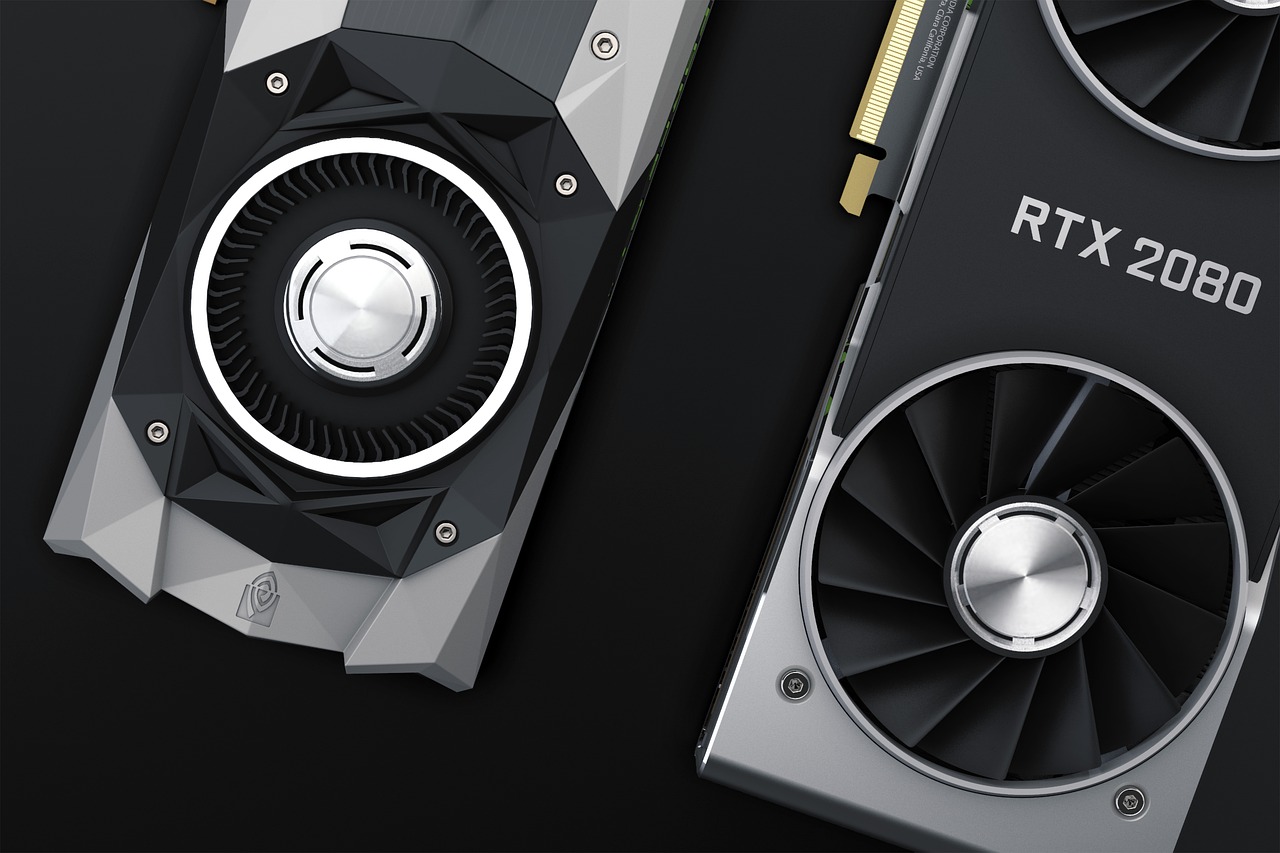
Practical Checklist: How to Choose Your AI GPU in 2026
Start by listing your primary workload: training, fine-tuning, inference, or creative AI. For training, prioritize HBM capacity, high AI core count, and robust cooling. For inference, focus on power efficiency, FP8/INT4 support, and compact form factor. Next, check software compatibility—CUDA for NVIDIA, ROCm for AMD, oneAPI for Intel. Then, evaluate power and cooling needs: full-size cards need 750W PSUs and liquid cooling; compact cards fit in 2-slot workstations; embedded modules need careful thermal design.
Finally, consider future needs. If you plan to scale, choose a GPU with multi-GPU support and PCIe Gen 5 or 6. If you’re on a budget, mid-range GPUs with GDDR6X and AI accelerators can handle many inference tasks today and be repurposed later. Avoid GPUs without clear driver support or end-of-life roadmaps. And if possible, test before you buy—AI performance can vary widely depending on model quantization and framework version.
Bottom Line: Buy for Your Workload, Not Just Benchmarks
In 2026, GPUs are AI workhorses first and graphics cards second. The best choice depends on your specific workload, software stack, and deployment environment. NVIDIA still leads for training and professional ecosystems, AMD and Intel offer credible alternatives for inference and cost-sensitive projects, and edge GPUs unlock real-time AI in compact devices. Memory, power, and cooling are now as important as raw core counts, and software support often trumps raw specs.
If you’re investing today, prioritize GPUs with HBM or high-bandwidth GDDR, strong AI core counts, and reliable software ecosystems. Plan for adequate power and cooling, and consider future-proofing with PCIe Gen 5/6 and CXL support. Avoid chasing single-benchmark leaders—instead, match the hardware to your real workload and you’ll get the most durable value from your purchase.
More in Hardware & Gadgets
Apple Expands App Store Subscription Bundles to Include Multiple Apps and Services
Apple will let iPhone users buy single-bill bundles of subscriptions from different apps and services later this year, simplifying spending and potentially boosting app discovery.

Laptops and PCs for Beginners: A Practical Guide to Your First Computer
A clear, evergreen guide to choosing your first laptop or desktop for work, AI tools and light gaming, with beginner-friendly picks and what to look for before you buy.
Free vs Paid GPUs and AI Hardware: What Actually Works for Your Workload
A clear, evergreen guide to choosing between free cloud GPUs and paid hardware for AI work—who each option fits, what paid tiers really unlock, and how to decide without overspending.