
Common GPU and AI Hardware Buying Mistakes — And How to Avoid Them
By Mag-Info Tech editorial · 2026-06-10
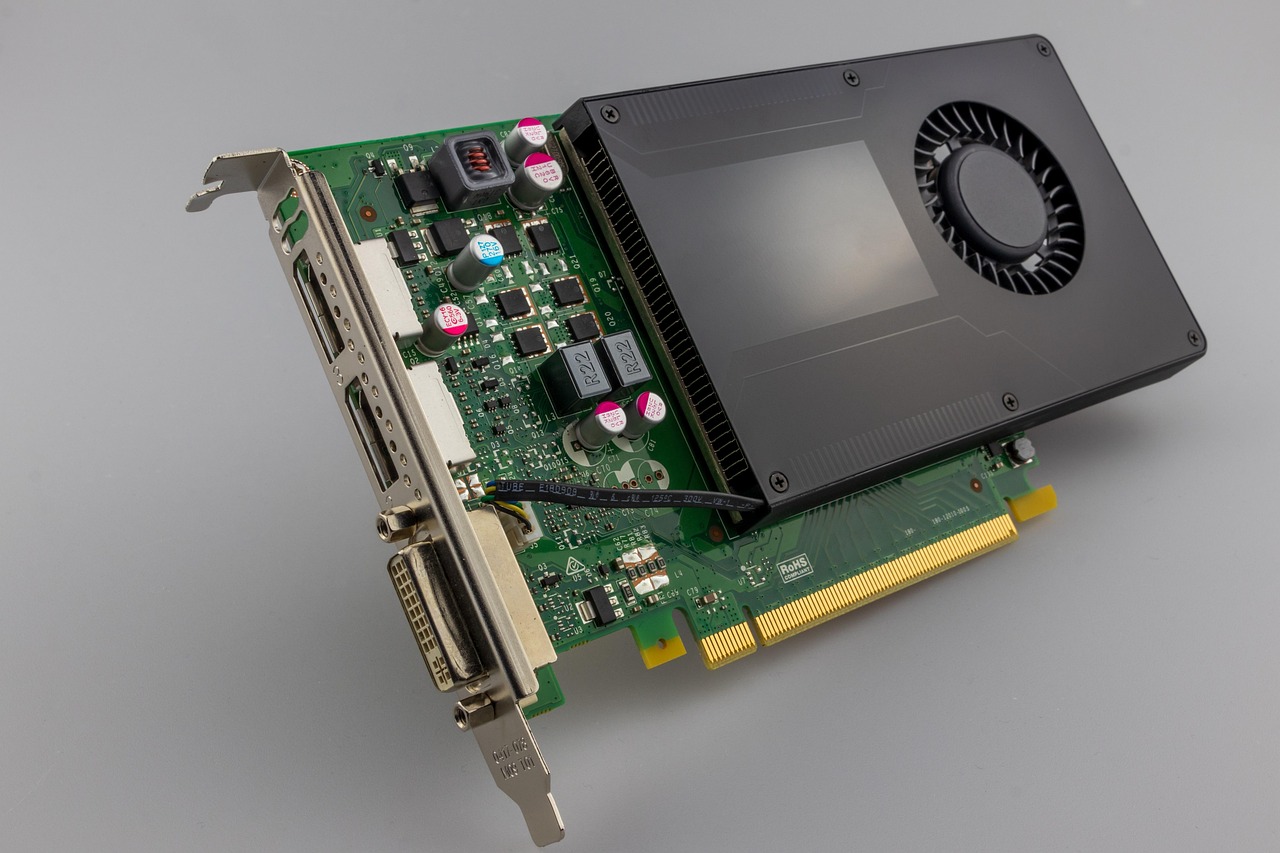
Why choosing the right GPU for AI is harder than it looks
AI projects rarely fail because the model was wrong; they often fail because the hardware couldn’t keep up. A graphics card marketed for gaming may technically run AI code, but it can cost far more in lost training time, unstable batch jobs, and delayed deployments. Engineers routinely underestimate how much memory, bandwidth, and compute precision their workloads demand. Others chase headline performance numbers without checking driver support, power draw, or cooling constraints in their lab or data center. The result is a system that works in a demo but collapses under real workloads.
This guide explains the most common missteps when selecting GPUs and AI hardware, and how to avoid them. It focuses on practical criteria—memory size, interconnects, driver ecosystems, and power budgets—rather than marketing fluff. Whether you’re training large language models, running inference at scale, or prototyping vision models, the wrong choice now can mean rebuilding your stack in six months.
Mistake 1: Buying a gaming GPU and assuming it’s ready for AI
Gaming GPUs like GeForce RTX cards are designed to maximize frames per second in real-time graphics, not throughput in floating-point matrix operations. Their drivers, memory hierarchies, and even cooling profiles prioritize latency-sensitive rendering, not sustained compute loads. A card that excels at running Unreal Engine at 4K may throttle or crash after hours of training a transformer model because the VRAM temperature climbs past safe limits. More critically, gaming GPUs often lack official support for AI frameworks like PyTorch or TensorFlow in server environments, leading to cryptic CUDA errors that waste days to debug.
The alternative is to choose data center GPUs such as NVIDIA’s H100, L40S, or AMD’s Instinct MI300X. These cards ship with enterprise-grade drivers, certified CUDA builds, and support for multi-GPU synchronization via NVLink or AMD Infinity Fabric. They also include error-correcting memory and higher power limits, which gaming cards typically disable to fit in consumer cases. If your team is prototyping on a single RTX 4090 now but plans to scale to distributed training, start with a data center GPU or ensure your chosen gaming card has verified support for AI workloads in your OS and framework versions.
Mistake 2: Ignoring memory capacity and bandwidth for model size
AI models rarely fail because the GPU is too slow; they fail because the model doesn’t fit in memory. A large language model with 70 billion parameters can require 140 GB of VRAM just for weights, and that’s before gradients, optimizer states, and batch data. If you pick a card with 24 GB of VRAM, you’ll spend weeks optimizing with quantization, offloading to CPU RAM, or renting cloud instances—all because the initial capacity was miscalculated.
Memory bandwidth is just as critical. A high-bandwidth memory (HBM) stack like that in AMD MI300X or NVIDIA H100 delivers 3–4× the bandwidth of GDDR6X found in high-end gaming cards. For models that rely on attention mechanisms or large embeddings, low bandwidth becomes the bottleneck before compute throughput does. When evaluating hardware, divide your expected model size by the card’s VRAM, then double it for safety margins. Add at least 20% extra for batch sizes and mixed precision overhead. If your budget doesn’t allow a single card with enough memory, plan for model parallelism or distributed training from day one.
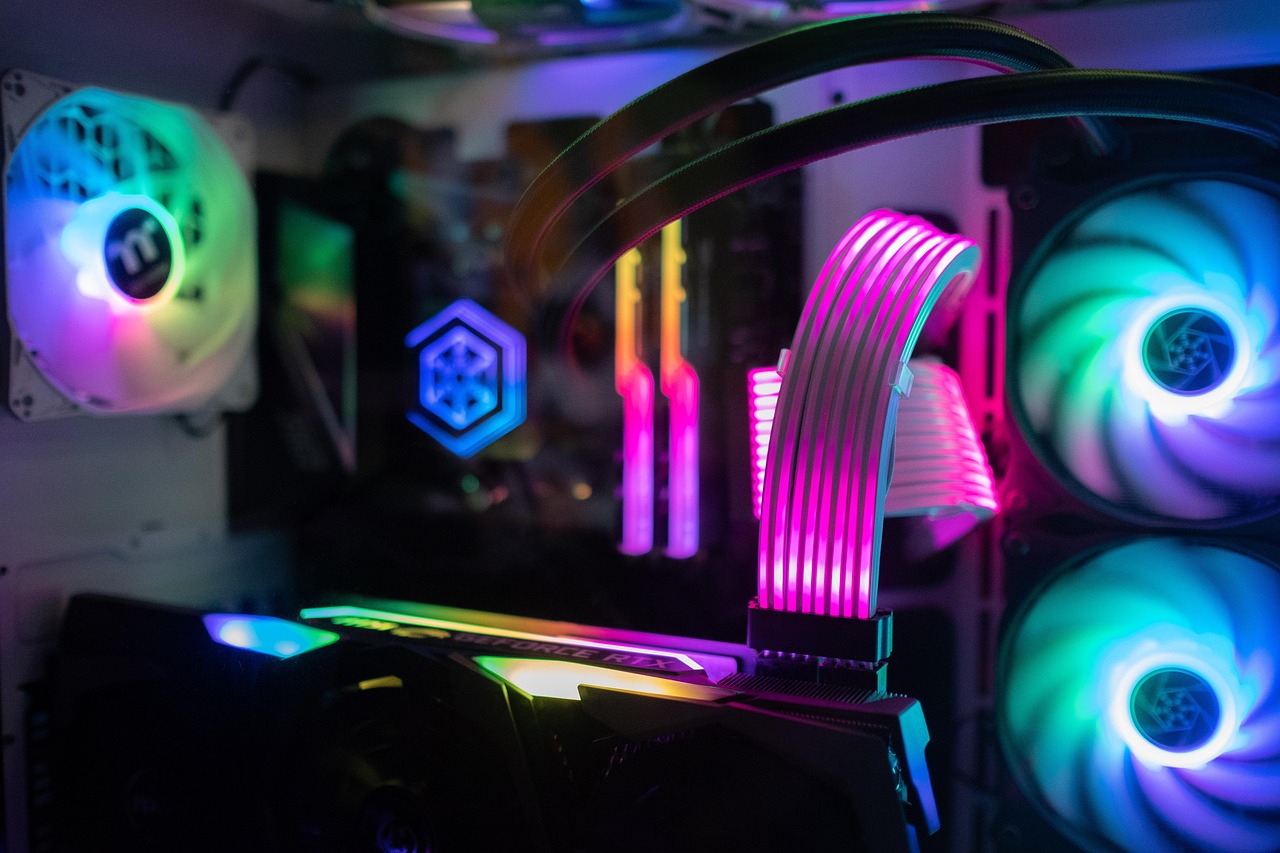
Mistake 3: Overlooking interconnects and multi-GPU scaling limits
Even the fastest single GPU hits diminishing returns once model size exceeds its memory. Teams often buy multiple cards expecting linear scaling, only to discover that PCIe 4.0 x16 limits bandwidth to about 32 GB/s per direction—far below the internal GPU bandwidth. For multi-GPU training, you need either NVLink on NVIDIA or AMD’s Infinity Fabric Links. These proprietary interconnects provide 100–600 GB/s bidirectional bandwidth, enabling efficient data sharding across GPUs.
Without these links, scaling beyond two GPUs in a single node yields little performance gain and high latency. Worse, some motherboards share PCIe lanes with M.2 slots or networking cards, further throttling throughput. Before buying, confirm your motherboard supports the required slot configuration and that the GPUs have the right interconnect ports. If you’re building a cluster, also plan for network fabric like InfiniBand or high-speed Ethernet to reduce inter-node bottlenecks during distributed training.
Mistake 4: Underestimating power, cooling, and infrastructure costs
A GPU’s power draw isn’t just a line item on the invoice—it dictates rack space, cooling, and electricity budgets. A single H100 can pull 350–450 watts under load, and a multi-GPU server can exceed 1,500 watts. If your lab’s circuits are rated for 1,800 watts per rack, a four-GPU setup can trip breakers or force throttling during peak loads. Cooling is equally critical: data center GPUs require airflow management, heat sinks, and sometimes liquid cooling in dense racks. Consumer cards often lack the thermal headroom for sustained AI workloads and may thermal-throttle within minutes.
Calculate total cost of ownership early. Estimate peak power draw, multiply by your electricity rate, and add cooling overhead. Compare against cloud rental costs—sometimes spinning up instances during peak demand is cheaper than provisioning on-prem power and cooling. If you must buy, prioritize GPUs with lower TDP or dynamic power capping features, and design your rack with hot-aisle/cold-aisle layouts to avoid heat recirculation.
Mistake 5: Choosing hardware based on benchmarks without matching your workload
Vendor benchmarks often highlight peak throughput on synthetic workloads like matrix multiplication or image classification. These results rarely reflect real AI pipelines, which are memory-bound, latency-sensitive, or dominated by data loading. A benchmark showing 1,000 TFLOPS on FP16 may not translate to faster training if your model uses FP32 or BF16, or if your data pipeline is the bottleneck.
Instead, profile your actual workload. Run a representative training loop on candidate hardware using your framework and dataset. Measure not just time-to-train, but memory usage, I/O wait times, and framework overhead. Tools like NVIDIA Nsight Systems or AMD ROCProfiler can reveal where time is spent. If your pipeline is data-heavy, prioritize memory bandwidth and NVMe storage speed. If it’s compute-heavy, focus on FP64 or tensor core performance. Avoid buying hardware solely because it tops a leaderboard that doesn’t reflect your use case.








Real results from MEFAI's AI. Get $50 off the Pro plan.
Sponsored · Past performance is not indicative of future results. Not financial advice.

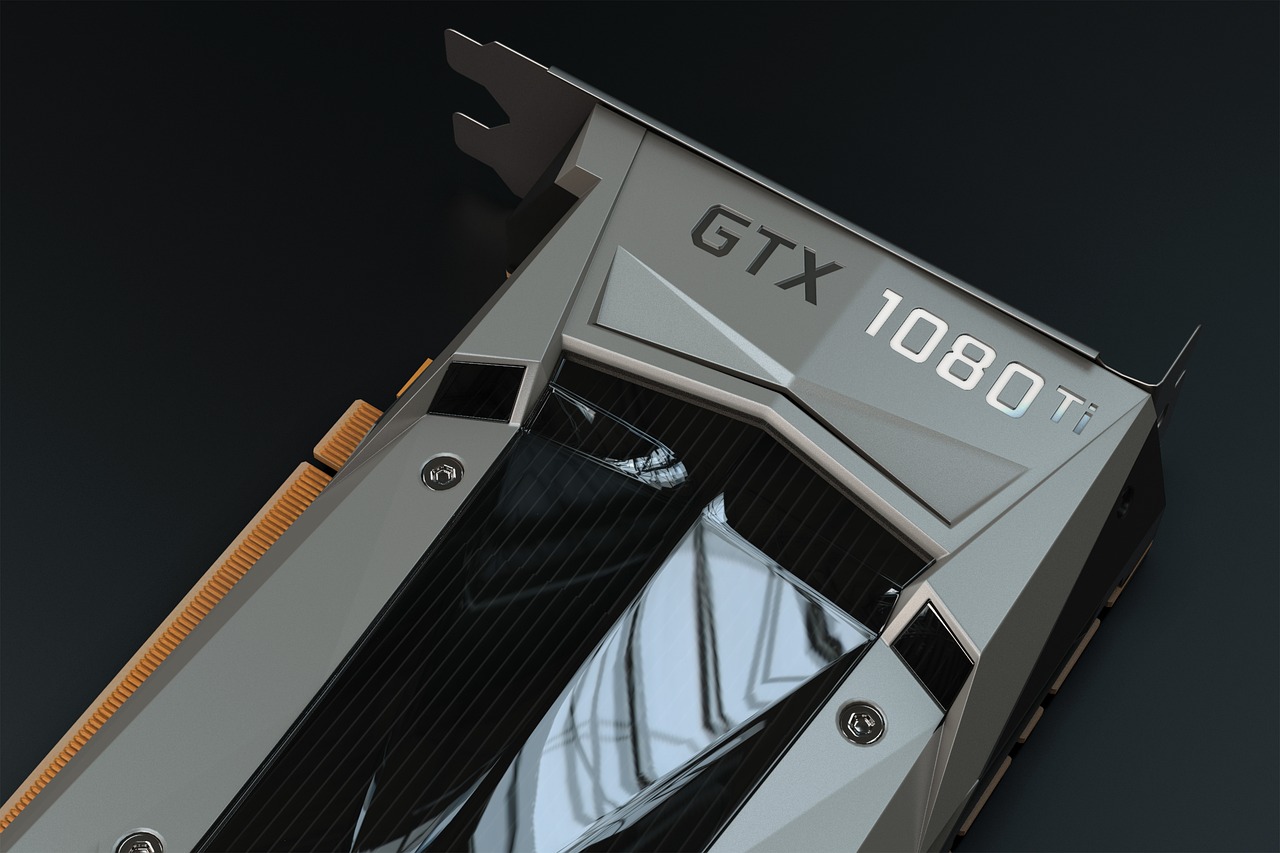
Mistake 6: Neglecting software ecosystem and framework support
A GPU without mature, stable drivers and framework integration is a paperweight for AI. NVIDIA dominates the AI ecosystem with CUDA, cuDNN, TensorRT, and deep integration into PyTorch and TensorFlow. AMD’s ROCm stack, while improving, still lacks full support for all frameworks and versions, especially in Windows environments. Apple’s Metal Performance Shaders offer limited support for research-grade models.
Before purchasing, verify that your chosen GPU and OS combination supports your AI stack. Check framework documentation for minimum driver versions and known issues. For production systems, prefer GPUs with long-term support (LTS) drivers and enterprise-grade documentation. If you’re using niche models or custom kernels, confirm community support or vendor-backed extensions exist. Skipping this step can lead to months of compatibility workarounds or blocked deployments.
Mistake 7: Buying for today instead of planning for tomorrow
AI workloads evolve faster than hardware depreciates. A card that fits your current model may struggle with next quarter’s dataset or a new attention mechanism. Teams that buy the minimum viable hardware often find themselves re-provisioning within a year. Conversely, over-provisioning for speculative growth leads to idle capacity and higher TCO.
Adopt a staged scaling strategy. Start with hardware that meets your near-term needs but supports modular upgrades. Look for systems with PCIe 5.0 slots, high-wattage power supplies, and chassis that accommodate larger GPUs. If possible, choose platforms that support multiple GPU generations, like NVIDIA’s DGX or AMD’s Instinct servers. Plan for memory and compute headroom—aim to leave at least 50% capacity for future growth. Document your scaling roadmap and revisit it quarterly to align purchases with actual demand.
Mistake 8: Skipping validation and burn-in testing before deployment
Even a well-chosen GPU can fail under sustained load due to manufacturing defects, firmware bugs, or thermal issues. Teams that skip validation often discover instability only after months of training, when restoring from backups is costly. A simple burn-in test—running a representative workload for 24–48 hours—can reveal thermal throttling, memory errors, or driver crashes before they impact production.
Use tools like NVIDIA’s MemTestG80 or AMD’s rocminfo to stress-test memory and compute units. Monitor temperatures, power draw, and error logs. If possible, run your actual training script in a staging environment. Validate multi-GPU synchronization and checkpointing behavior. This process adds a small upfront cost but prevents costly failures later. Document the results and use them as a baseline for future hardware comparisons.
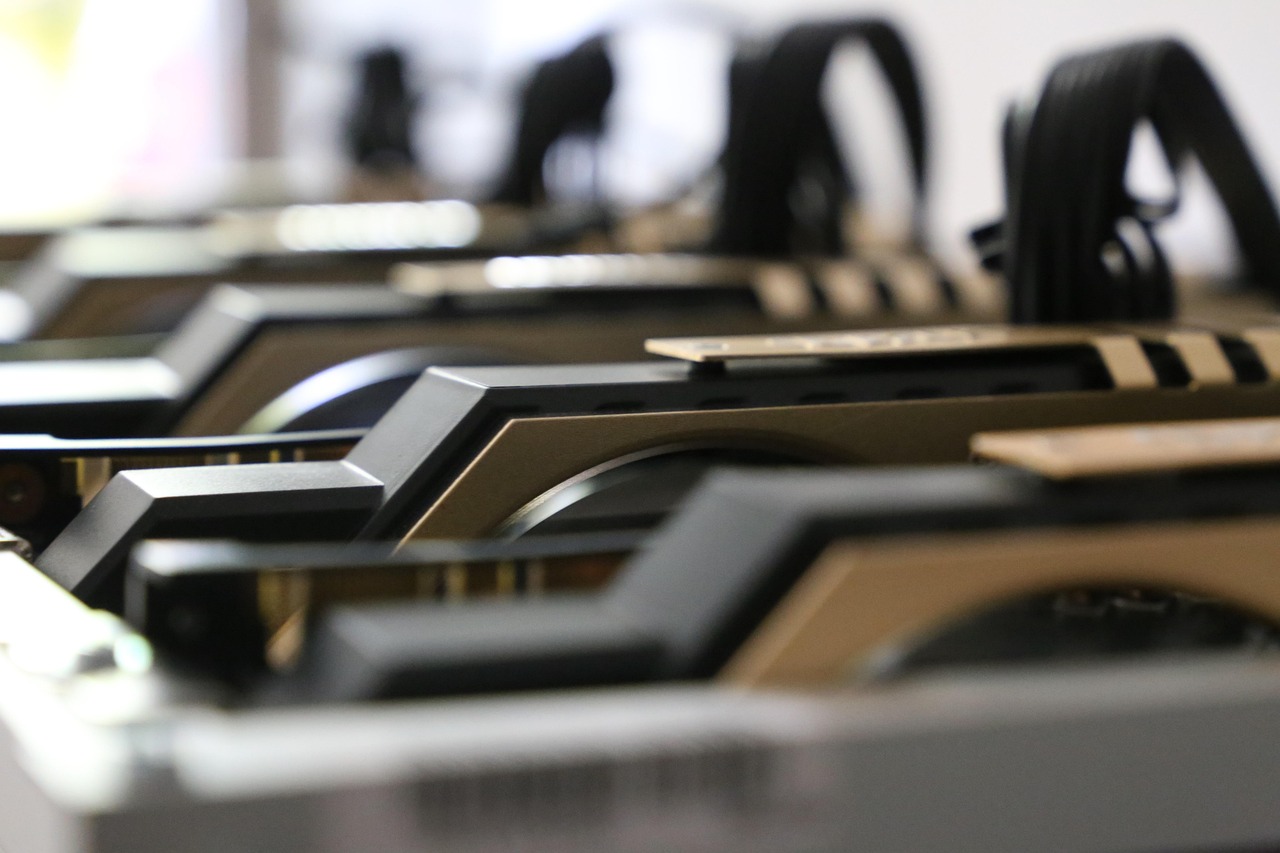
How to choose the right GPU for AI: a practical checklist
Start by profiling your workload. Measure peak memory usage, compute precision needs, and data pipeline bottlenecks. Then, match those requirements to hardware categories:
- Small-scale prototyping (single GPU): Use a data center GPU with verified AI support, like NVIDIA L4 or AMD MI325X. Ensure it has enough VRAM for your model and supports your OS/framework stack.
- Medium-scale training (multi-GPU): Choose GPUs with NVLink or Infinity Fabric, and a motherboard with sufficient PCIe lanes and power delivery. Prioritize memory bandwidth and cooling.
- Large-scale distributed training: Build a cluster with high-speed networking and GPUs optimized for tensor operations. Consider cloud burst capacity for peak loads.
- Inference at scale: Focus on memory capacity, low latency, and power efficiency. Cards like NVIDIA L40S or AMD MI300 offer high memory-to-watt ratios.
Always validate hardware under real workloads before committing. Run burn-in tests, measure performance, and document results. Finally, plan for scalability—leave room in your budget and infrastructure for future growth.
The bottom line: avoid the common pitfalls to save time and money
The most expensive GPU is the one that can’t run your model. The fastest card is the one that keeps your team productive without throttling, crashing, or overheating. By avoiding the mistakes above—choosing gaming GPUs, ignoring memory limits, overlooking interconnects, underestimating power and cooling, chasing benchmarks, neglecting software support, buying for today, or skipping validation—you’ll build a system that scales with your ambitions.
Start small, validate thoroughly, and scale deliberately. That approach delivers real AI performance today and a sustainable path forward tomorrow.
More in Hardware & Gadgets
Apple Expands App Store Subscription Bundles to Include Multiple Apps and Services
Apple will let iPhone users buy single-bill bundles of subscriptions from different apps and services later this year, simplifying spending and potentially boosting app discovery.

Laptops and PCs for Beginners: A Practical Guide to Your First Computer
A clear, evergreen guide to choosing your first laptop or desktop for work, AI tools and light gaming, with beginner-friendly picks and what to look for before you buy.
Free vs Paid GPUs and AI Hardware: What Actually Works for Your Workload
A clear, evergreen guide to choosing between free cloud GPUs and paid hardware for AI work—who each option fits, what paid tiers really unlock, and how to decide without overspending.