GPUs & AI Hardware for Beginners: Where to Start
By Mag-Info Tech editorial · 2026-06-10
Why a GPU matters when you’re learning AI
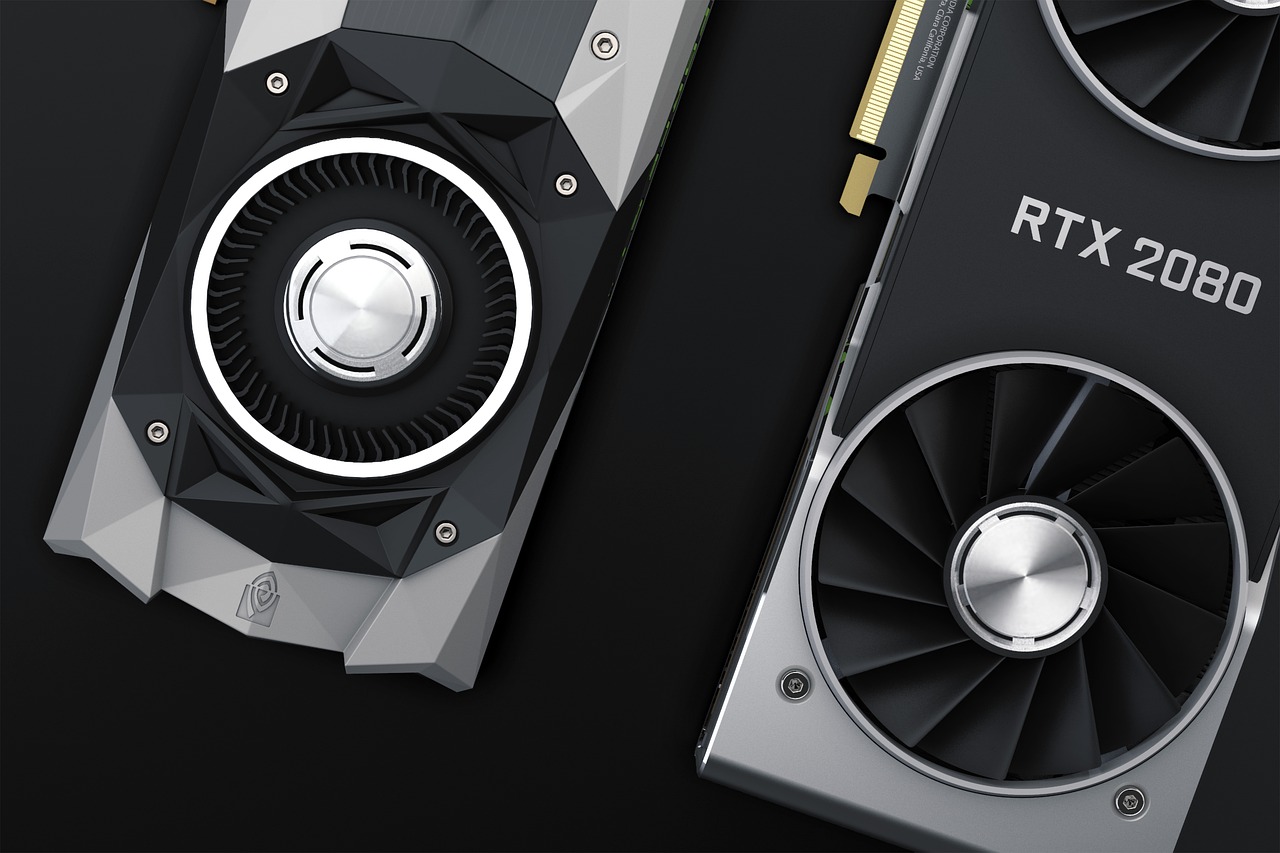
If you are just starting to explore artificial-intelligence projects—training small models, running inference, or experimenting with popular frameworks—your computer’s built-in CPU is usually not enough. Most AI workloads rely on heavy parallel math, and graphics processing units (GPUs) are designed to crunch thousands of calculations at once. A good GPU accelerates matrix operations, shortens training times, and makes interactive experimentation practical. Without one, even modest datasets can take hours on a CPU, which quickly discourages beginners.
For newcomers, the key is to match the hardware to the task. Fine-tuning a large language model on your desk is still unrealistic for most hobbyists, but training a small neural network, running object detection on local video, or prototyping a chatbot assistant becomes feasible once you add a capable GPU. The hardware landscape can feel overwhelming—NVIDIA, AMD, Intel, cloud instances, external boxes—so the goal here is to cut through the noise and focus on what actually helps you learn without breaking the bank.
Understand the basics: CUDA, VRAM, and driver support
Not every graphics card is equally useful for AI. The most important factors are compute architecture, memory size, and software support. NVIDIA’s CUDA cores have become the de-facto standard for AI frameworks like PyTorch and TensorFlow, so cards from NVIDIA generally offer the smoothest experience for beginners. AMD’s ROCm stack is improving, but compatibility can be uneven across models and operating systems, which adds friction for first-time users.
Video RAM (VRAM) is another critical spec. More VRAM lets you load larger models or datasets into memory without swapping to disk, which slows everything down. As a beginner, aim for at least 8 GB of VRAM if you plan to work with modest image or text models. Finally, drivers and tooling matter: NVIDIA’s mature driver ecosystem and CUDA toolkit install reliably on Windows, Linux, and macOS (with caveats), while AMD’s ROCm requires careful OS and kernel matching. These fundamentals will guide every buying decision below.
Desktop cards: NVIDIA GeForce RTX 4060 and RTX 4070 for most learners
For most people starting out, an NVIDIA GeForce RTX 4060 or RTX 4070 strikes a good balance between price and performance. Both cards support the latest CUDA cores, DLSS 3 for faster inference, and ample VRAM (8 GB on the 4060, 12 GB on the 4070), which is enough for small to medium AI experiments. They are widely available, fit in most mid-tower cases, and run cool with modest power supplies. If you already have an NVIDIA card from the previous generation (RTX 20 or 30 series), you may not need to upgrade immediately unless your workloads outgrow 8 GB of VRAM.
Where these cards differ is raw throughput and VRAM capacity. The RTX 4070’s extra memory and higher compute throughput make it a better long-term choice if you plan to scale up to larger datasets or multi-GPU setups later. Both cards benefit from NVIDIA’s mature AI software stack, including TensorRT for optimized inference and CUDA acceleration for popular frameworks. If your budget is tight, used RTX 3060 or 3070 cards still offer strong value and 12 GB of VRAM, but check power requirements and cooling before purchase.
AMD alternatives: Radeon RX 7600 and RX 7700 XT for budget and mid-range
AMD’s Radeon RX 7600 and RX 7700 XT offer competitive pricing and solid raw compute, but with important caveats for AI beginners. The RX 7600 typically ships with 8 GB of VRAM, which is adequate for small models but tight for anything larger. The RX 7700 XT bumps that to 12 GB, giving you more headroom for experiments. Both cards support ROCm, AMD’s open-source compute platform, which is improving but still lags behind NVIDIA in framework support and stability.
If you already use AMD hardware or prefer open ecosystems, these cards can work, but expect extra setup time. ROCm installation varies by Linux distribution and sometimes requires manual kernel tweaks or driver overrides. On Windows, ROCm support is limited, so most beginners will run AI workloads through DirectML or WSL. For learners who want to stick with AMD, start with the RX 7700 XT if your budget allows; otherwise, the RX 7600 is a budget-friendly entry point, with the understanding that you may hit compatibility walls as your projects grow.
Laptops: NVIDIA RTX 4050 and RTX 4060 mobile for portable AI work
If your primary machine is a laptop, an RTX 4050 or RTX 4060 mobile GPU is the safest bet for AI experimentation on the go. These GPUs deliver most of the performance of their desktop counterparts while fitting into thin-and-light chassis. They typically come with 6 GB to 8 GB of VRAM, which is enough for small models and prototyping, but not for larger datasets. Battery life will be shorter when the GPU is active, so plan to keep the power adapter handy during training runs.
Choosing a laptop with an RTX 40-series GPU usually means selecting among thin-and-light workstations or gaming models from major brands. Look for models with good thermal design and at least one USB-C port with DisplayPort Alt Mode for external monitors. Some laptops allow you to upgrade VRAM via an external GPU (eGPU) enclosure later, but that adds cost and complexity. If portability is your priority, an RTX 4050 laptop is a balanced starting point; if you can carry a bit more weight, an RTX 4060 model gives you extra headroom for slightly larger workloads.








Real results from MEFAI's AI. Get $50 off the Pro plan.
Sponsored · Past performance is not indicative of future results. Not financial advice.

External GPUs (eGPU): a flexible path when internal upgrades aren’t possible
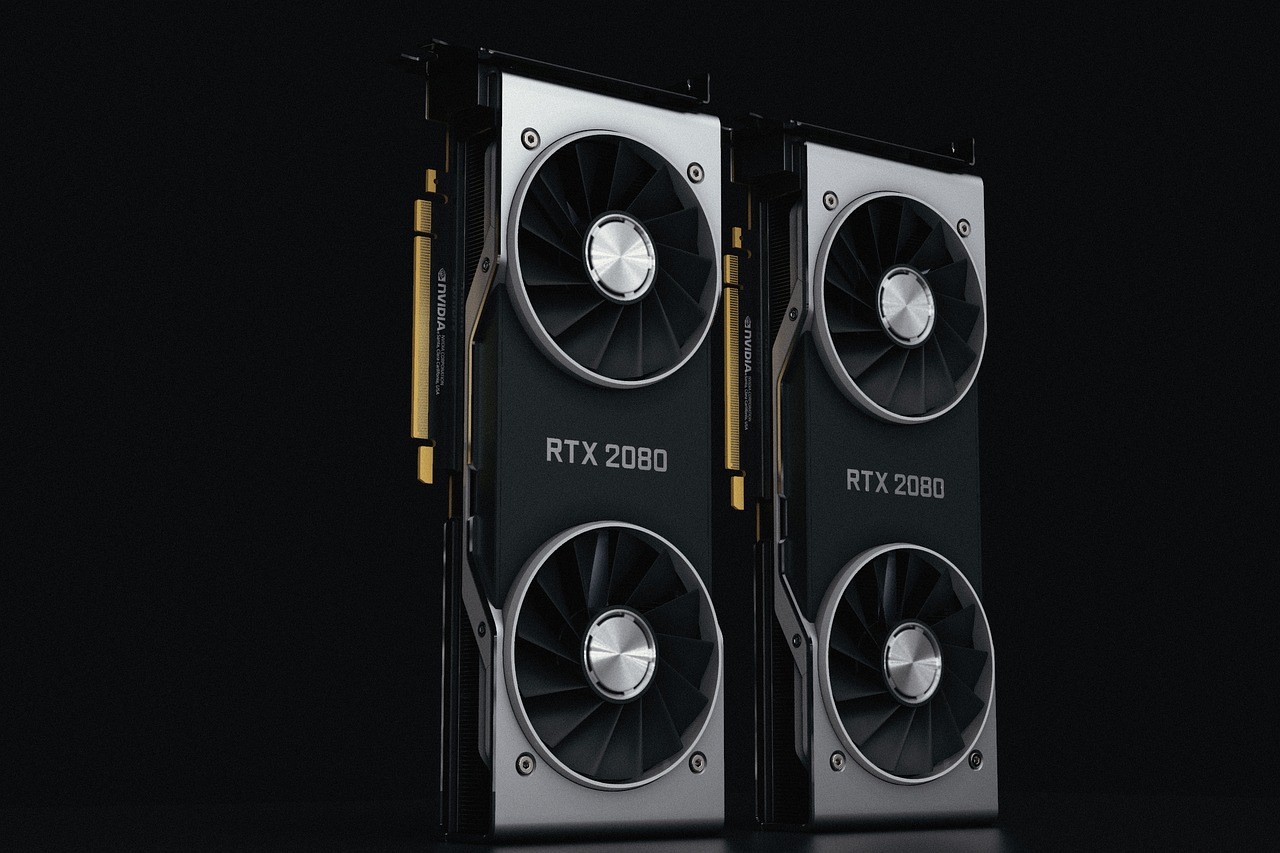
An external GPU (eGPU) enclosure lets you add a desktop-class GPU to a laptop or a small-form-factor desktop via Thunderbolt or PCIe over cable. For beginners who already own a capable laptop without a dedicated GPU, an eGPU can unlock AI acceleration without replacing the entire machine. A mid-range desktop GPU like an RTX 4070 or RX 7700 XT in an eGPU can handle moderate training and inference tasks, provided your host supports fast Thunderbolt 4 or USB4.
The main drawbacks are cost and bandwidth limits. A good eGPU setup requires a powered enclosure, a desktop GPU, and a compatible host, which can easily exceed the price of a budget laptop with integrated graphics. Thunderbolt 4 offers up to 40 Gbps, but real-world throughput is lower, and some CPU-bound tasks may bottleneck. If you’re considering an eGPU, verify your laptop’s Thunderbolt certification and choose a GPU with enough VRAM for your intended workloads. For most beginners, an eGPU is a secondary option—useful when internal upgrades aren’t possible, but not the first choice.
Cloud and hosted options: renting GPU time for learning
If buying hardware feels premature or expensive, cloud-based GPU instances offer a low-risk way to start. Services from major providers let you rent an NVIDIA A100, H100, or RTX instance by the hour, with pre-installed AI frameworks and Jupyter notebooks. This approach is ideal for beginners who want to focus on code and models without worrying about drivers, cooling, or power bills. It also scales from free tiers with limited hours to paid plans for heavier workloads.
The trade-off is cost and latency. Even small instances can add up if you leave them running, and transferring large datasets in and out of the cloud can be slow. For quick experiments, many providers offer free credits for new users, which is enough to run small models and tutorials. If you’re serious about learning AI but unsure about hardware, start with a cloud notebook instance to validate your interest before investing in a GPU.
What to watch out for: power, cooling, and driver headaches
Before you buy, check your power supply and case clearance. High-end GPUs can draw 250–350 watts and require robust cooling. A mid-range power supply (650–750 watts) is usually sufficient for an RTX 4070, but always verify the manufacturer’s recommendation. Also ensure your case has enough airflow and space for the card’s length and width. Overheating throttles performance and can shorten hardware lifespan.
Driver issues are another common stumbling block. NVIDIA’s drivers are mature but can conflict with certain Windows updates or Linux kernels. AMD’s ROCm stack may require manual installation and kernel headers, especially on non-standard distributions. Before purchasing, check community forums and compatibility lists for your chosen card and OS. A little upfront research saves hours of troubleshooting later.
How to pick your first GPU: a simple decision checklist
Start by listing your main use cases. If you plan to train small neural networks, run inference on images, or experiment with LLMs locally, prioritize VRAM and CUDA support. If you’re on a tight budget, look for used RTX 30-series cards or AMD RX 6000 cards with 12 GB. If portability matters, choose a laptop with an RTX 4050 or 4060. If you want zero hassle, try a cloud notebook first.
Next, verify compatibility with your system: power supply wattage, case size, motherboard slot, and operating system. Then, check driver support and framework compatibility. Finally, set a realistic budget that includes the card, any necessary accessories, and potential future upgrades. With these steps, you can avoid common pitfalls and select hardware that supports your learning curve without overcommitting resources.
Bottom line: where to begin without overthinking it
If you’re just starting, the safest and simplest path is an NVIDIA RTX 4060 desktop card or an RTX 4050 laptop GPU. They’re widely supported, offer enough VRAM for beginner projects, and integrate smoothly with AI frameworks. AMD alternatives like the RX 7700 XT are viable if you’re comfortable with extra setup, but NVIDIA remains the path of least resistance. If you’re unsure or want to experiment before buying, a cloud GPU instance lets you learn the basics without hardware costs.
Once you’ve chosen your hardware, install the latest drivers, set up your preferred framework, and start with small models and tutorials. Monitor temperatures and power draw, and be ready to upgrade VRAM or switch to a more powerful card as your projects grow. The goal isn’t to buy the fastest GPU on day one, but to acquire a tool that keeps pace with your learning without overwhelming your setup.
More in Hardware & Gadgets
Apple Expands App Store Subscription Bundles to Include Multiple Apps and Services
Apple will let iPhone users buy single-bill bundles of subscriptions from different apps and services later this year, simplifying spending and potentially boosting app discovery.
Laptops and PCs for Beginners: A Practical Guide to Your First Computer
A clear, evergreen guide to choosing your first laptop or desktop for work, AI tools and light gaming, with beginner-friendly picks and what to look for before you buy.
Free vs Paid GPUs and AI Hardware: What Actually Works for Your Workload
A clear, evergreen guide to choosing between free cloud GPUs and paid hardware for AI work—who each option fits, what paid tiers really unlock, and how to decide without overspending.