
Free vs Paid Design Tools: What’s Actually Worth Paying For
By Mag-Info Tech editorial · 2026-06-10
Why the Free vs Paid Decision Matters in Design Tools
Design software has moved from expensive desktop suites to flexible cloud and subscription models, making it easier to start for free. Yet the moment a project grows—teams expand, fidelity increases, or clients demand polished assets—the limitations of free plans become clear. Whether you’re a solo creator, a startup founder, or part of an agency, the choice between free and paid tools affects collaboration, output quality, and long-term costs. This guide compares widely used design, prototyping, and creative tools, explains what each tier delivers, and shows how to decide when upgrading is worth it.
Free Tools Are Enough for Early-Stage Prototyping and Concepts
Free design tools like Figma, Penpot, and Canva give individuals and small teams a way to test ideas without financial risk. Figma’s free plan allows unlimited viewers and three editable files, sufficient for sharing static mockups or simple prototypes with stakeholders. Penpot, an open-source browser tool, offers community libraries and vector editing without sign-up fees, ideal for indie developers or educators. Canva’s free tier unlocks templates for social media, presentations, and basic graphics, useful for solopreneurs or non-design roles. These tools share a common strength: they remove cost barriers so you can iterate quickly, gather feedback, and validate concepts before investing in paid tiers. Their limitations—file limits, export restrictions, or branding watermarks—are acceptable at the exploration phase, where speed and iteration matter more than polish.
The practical takeaway is to use free tiers for early wireframes, mood boards, and low-fidelity prototypes. They help you define user flows, test layouts, and align teams on direction before committing resources to detailed design. Once you need version history, multi-user editing, or advanced export options, it’s time to evaluate paid plans or alternatives.
Paid Plans Unlock Collaboration, Versioning, and Export Control
Stepping up to paid plans in Figma, Adobe XD, or Sketch introduces features that directly impact team productivity and client deliverables. Paid tiers typically add unlimited files, advanced version history, and granular sharing permissions, enabling multiple designers to work simultaneously without overwriting each other’s work. In Figma, the Professional plan removes file limits and adds plugins, dev mode for handoff, and customizable permissions—critical when agencies or distributed teams need to scale. Adobe XD’s paid plan includes coediting, asset libraries, and integration with Creative Cloud, useful for teams already using Photoshop or Illustrator. Sketch’s paid license adds shared libraries, cloud collaboration, and advanced export presets, streamlining handoff to developers.
Beyond collaboration, paid plans often include better export controls and integrations. You can batch-export assets with consistent naming, generate style guides automatically, and sync with tools like Jira or Slack. For agencies, these features reduce time spent on manual tasks and lower the risk of miscommunication. The upgrade is justified when free tiers slow down your workflow or when clients expect polished, production-ready files.
Advanced Prototyping and Developer Handoff Justify Paid Tools
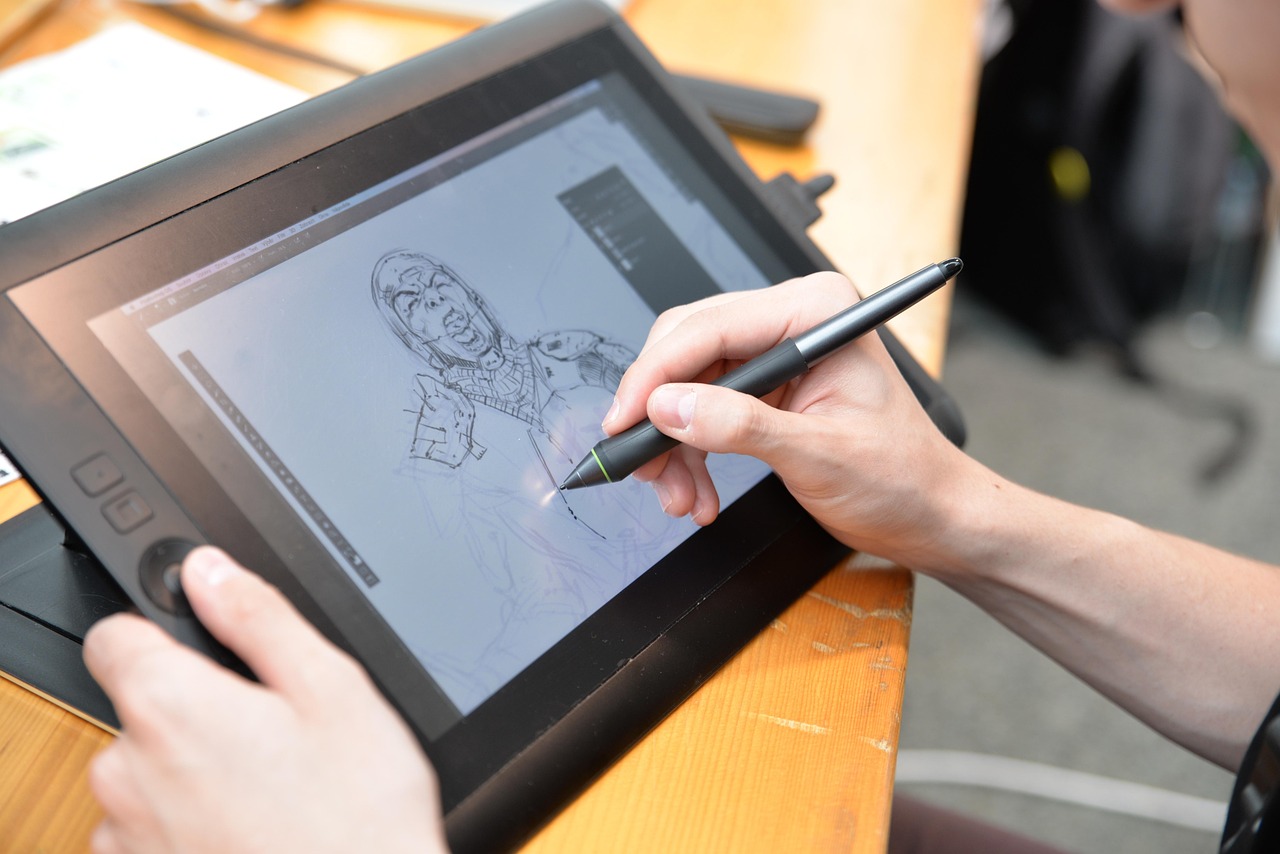
Free tools can create clickable prototypes, but paid plans add micro-interactions, conditional logic, and interactive components that feel closer to the final product. In Figma, paid plans support complex prototypes with overlays, scrollable frames, and multi-step flows, which help UX designers test user journeys more accurately. Adobe XD’s paid tier enables voice prototyping and auto-animate, useful for apps with voice interfaces or motion-heavy interfaces. Sketch’s Libraries feature allows designers to update shared components across files, ensuring consistency when handing off to developers. These capabilities reduce the gap between prototype and final product, lowering the risk of costly revisions later.
Developer handoff is another pain point where free tools fall short. Paid plans in Figma and Sketch generate inspectable specs, CSS snippets, and design tokens, making it easier for engineers to implement designs accurately. Without these features, developers often have to reverse-engineer assets or rely on manual notes, increasing the chance of errors. If your workflow involves handing off designs to engineers regularly, a paid plan is not just useful—it’s necessary to maintain velocity and quality.
Creative and Illustration Work Still Needs Paid Power
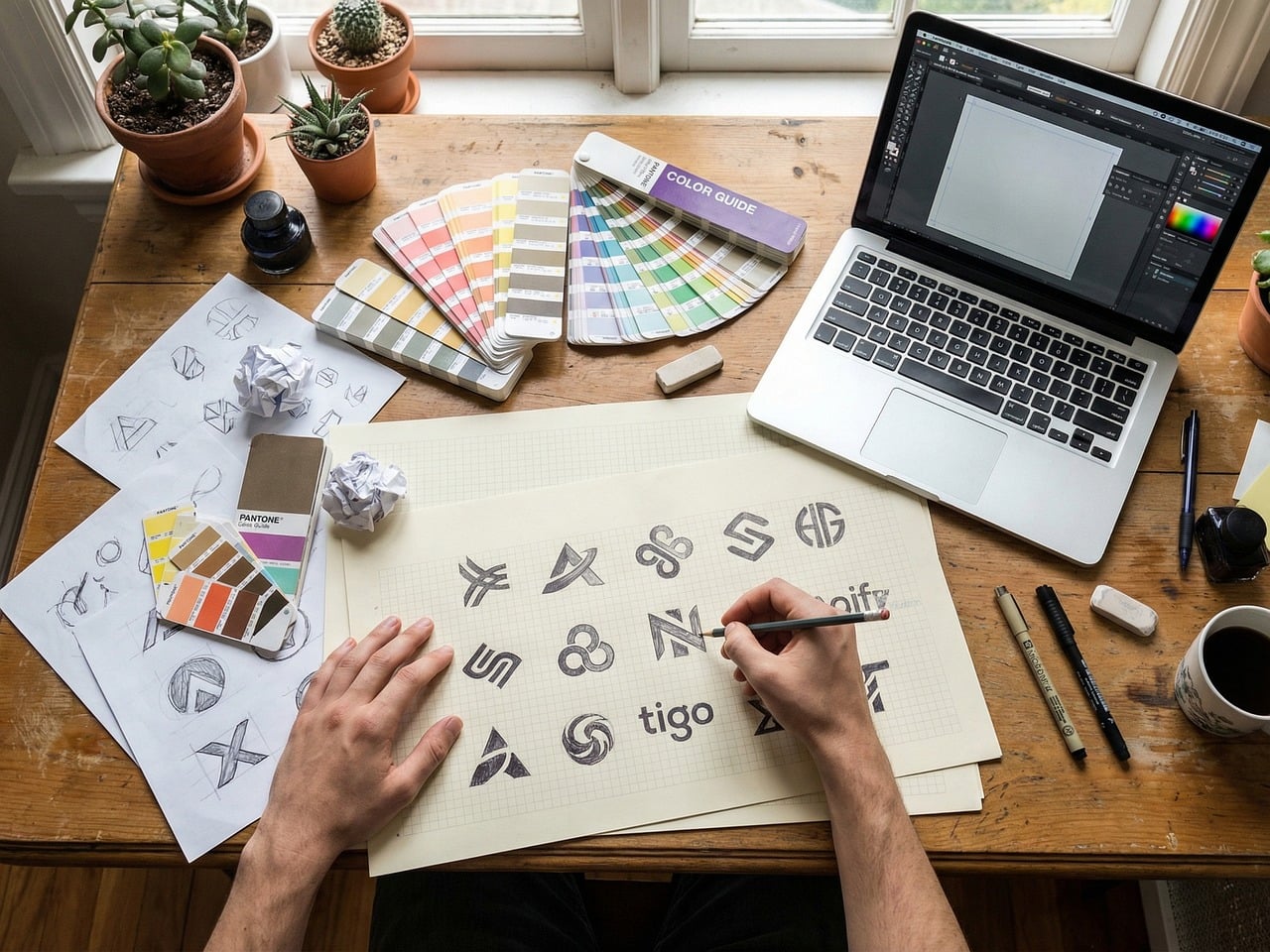
For illustration-heavy workflows, free tools like Inkscape or Krita are powerful but limited when compared to Adobe Illustrator or Affinity Designer. Inkscape, a vector editor, is robust for basic shapes and logos but struggles with complex gradients, advanced typography, and performance with large files. Krita, a raster editor, rivals Photoshop in brush customization but lacks industry-standard file formats and plugin ecosystems. Paid tools like Adobe Illustrator and Affinity Designer offer GPU acceleration, non-destructive effects, and seamless integration with other creative apps. They also include advanced typography controls, color management, and support for Pantone libraries—essential for branding and print work.
The decision here hinges on output requirements. If you’re creating icons, logos, or simple graphics, free tools may suffice. But for detailed illustrations, multi-page documents, or print-ready assets, the precision and speed of paid software justify the cost. Teams producing marketing collateral, product packaging, or editorial art will benefit from the control and scalability these tools provide.








Real results from MEFAI's AI. Get $50 off the Pro plan.
Sponsored · Past performance is not indicative of future results. Not financial advice.

Animation and Motion Design Demand Paid Subscriptions
Free animation tools like Blender’s Grease Pencil or Synfig Studio can produce 2D and basic 3D animations, but they lack the polish and integration needed for professional motion design. Paid tools like Adobe After Effects, Figma’s advanced prototyping, or Figma’s FigJam integration for timeline-based motion offer precompositions, advanced keyframing, and GPU rendering. These features are necessary for explainer videos, UI micro-interactions, and branded motion graphics. Free alternatives often impose watermarks, limit resolution, or require manual workarounds that break workflows under tight deadlines.
If your work involves animation—even simple UI transitions or loading animations—a paid plan or dedicated software is essential. The time saved in rendering and the quality of output directly impact client satisfaction and project timelines.
Team Size and Scalability Tilt the Balance Toward Paid
Free plans are designed for individuals or very small teams, but as headcount grows, collaboration bottlenecks appear. Free tiers cap the number of editors, restrict file storage, or limit real-time coediting. Paid plans remove these constraints, allowing multiple designers, developers, and stakeholders to work in the same environment. For startups scaling from five to fifty people, the cost of upgrading is offset by gains in productivity and reduced friction in handoffs. Agencies with multiple clients also need centralized asset management, shared libraries, and client-specific permissions—features only available in paid tiers.
Before upgrading, audit your team’s actual needs: How many active editors do you have? Do you need version history across months? Is real-time coediting a bottleneck? Answering these questions clarifies whether the upgrade is a luxury or a necessity.

Hidden Costs: Training, Plugins, and Exports Can Add Up
Even with a paid plan, costs can escalate through training, third-party plugins, or export fees. Some tools require paid courses or certifications to unlock advanced features, especially in motion design or complex prototyping. Others rely on plugins for tasks like advanced color grading or 3D modeling, which may carry recurring fees. Exporting high-resolution assets for print or video can also trigger additional charges if the tool uses a credit system or premium export tiers. Before committing, map out your full workflow: Do you need plugins? Will you export assets frequently? Are there integrations with other paid tools? These factors can turn a seemingly affordable plan into a significant expense over time.
A practical approach is to test the paid plan with a single project before rolling it out to the entire team. This minimizes upfront risk while giving you a realistic sense of hidden costs.
How to Choose Without Regret: A Practical Checklist
Start by defining your project scope and team size. If you’re a solo creator prototyping an app, a free tier in Figma or Penpot is likely enough. If you’re part of a growing team or agency, prioritize tools with strong collaboration features, version control, and developer handoff. For illustration-heavy work, compare free tools like Inkscape with paid options like Illustrator or Affinity Designer based on your output needs. For animation or motion design, free tools are rarely sufficient—plan for a dedicated paid tool.
Next, run a three-week trial with the paid plan you’re considering. Invite a few team members to collaborate and track productivity gains or friction points. Finally, estimate total cost of ownership by including training, plugins, and export needs. If the math still makes sense after these steps, the upgrade is justified.
The Bottom Line: Pay When It Saves Time or Clients Expect More
Free design tools are powerful enough to start almost any project, but they’re not built for scale, polish, or professional handoffs. Paid plans unlock collaboration, advanced prototyping, and seamless developer transitions—features that directly impact project velocity and client satisfaction. The right choice depends on your team size, output requirements, and budget for hidden costs. If you’re still unsure, begin with a free tier, prototype aggressively, and upgrade only when the workflow slows down or clients demand higher fidelity. That way, you invest in tools that pay for themselves in saved time and improved deliverables.
More in Software & SaaS

No-Code & Automation for Beginners: Where to Start in 2025
A clear, evergreen guide to the best no-code and automation platforms for newcomers, with practical criteria and tool picks for common beginner projects.

Siri’s AI Upgrade: Can It Finally Handle Busy Parents’ Schedules?
Apple’s Siri AI upgrade can now extract event details from emails and flyers and add them to your calendar—here’s what that means for busy families.

Getting Started with Productivity Tools: A Beginner’s Guide to Notes, Docs, Focus and Workflow Apps
A beginner-friendly roadmap to choosing the right notes, docs, focus and workflow tools, with clear recommendations and practical selection advice.