
Razer Blade 18 (2026): A Premium 18-Inch Gaming Laptop With High Heat and High Costs
By Mag-Info Tech editorial · 2026-06-12

The Razer Blade 18 (2026) positions itself as a flagship gaming laptop, combining an expansive 18-inch display with high-end internal hardware. It targets gamers and content creators who demand desktop-class performance in a portable form. However, early reviews highlight a recurring trade-off: strong performance is delivered alongside elevated heat output and a steep price. This combination raises questions about whether it serves enthusiasts best or primarily appeals to users who prioritize screen size and brand prestige over thermal efficiency and cost.
A Large, Dual-Mode 18-Inch Display With High Refresh Potential
The Blade 18’s most striking feature is its 18-inch display, which supports dual operational modes. In standard mode, it runs at a 2560×1600 resolution with a 240Hz refresh rate and 100% DCI-P3 color coverage, making it suitable for both fast-paced gaming and color-accurate content creation. When switched to a secondary mode—often described as a “performance” or “gaming” mode—the panel can push higher refresh rates or lower response times, depending on configuration. This flexibility allows users to balance visual fidelity with responsiveness based on the task at hand. For competitive gamers, the high refresh rate can provide a tangible advantage in fast-twitch titles, while creators benefit from accurate color reproduction for video editing or 3D rendering.
However, the large screen size and high refresh rate also contribute to power draw and heat generation. Larger panels are inherently more demanding on the GPU and CPU, especially when rendering at high frame rates. This means the system must work harder to maintain performance, which in turn increases thermal output. The dual-mode design adds complexity to thermal management, as the laptop must dynamically adjust cooling strategies based on which display mode is active. Users should be aware that sustained high-refresh operation will likely trigger aggressive fan noise and surface heat, particularly in demanding titles or workloads.
High-End Internals Deliver Desktop-Class Performance
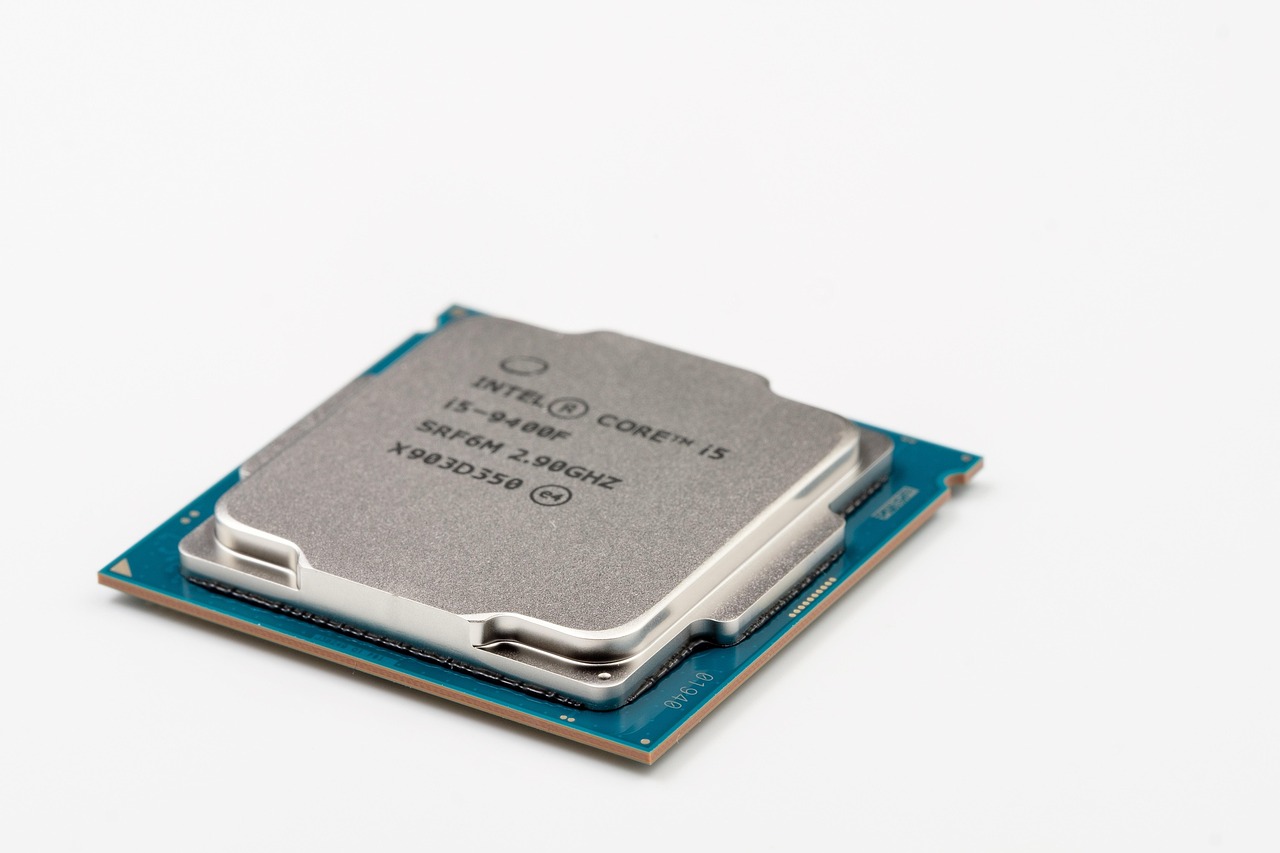
Under the hood, the Blade 18 is equipped with cutting-edge components designed for maximum processing and graphics power. It features the latest desktop-grade CPU and GPU options, including top-tier chipsets from leading silicon manufacturers. This configuration allows it to rival or exceed the performance of many desktop gaming systems, especially in CPU-bound tasks such as game physics, AI-assisted rendering, or multitasking with heavy applications. The inclusion of such high-end parts underscores Razer’s positioning of the Blade 18 as a true performance workstation disguised as a laptop.
The performance gains come at a cost, however. High-end CPUs and GPUs consume more power and generate more heat than their mobile-optimized counterparts. This means the Blade 18 requires robust thermal solutions—large heatsinks, multiple heat pipes, and high-performance fans—to prevent thermal throttling during extended sessions. While these components are well-engineered, they also add bulk and weight, making the laptop less portable than smaller gaming laptops. For users who frequently travel or work in shared spaces, the size and noise levels may become noticeable drawbacks. The system’s thermal design is robust but not silent, and sustained load will inevitably lead to fan activation and elevated surface temperatures near the keyboard and palm rests.
Thermal Management: Powerful but Audible and Warm
Thermal performance is a defining characteristic of the Blade 18 (2026). While the laptop delivers strong sustained performance, reviewers consistently note that it runs hot and loud under load. The combination of an 18-inch high-refresh display, desktop-class CPU/GPU, and dense internal layout creates a challenging thermal environment. Razer has implemented a vapor chamber and multiple heat pipes to dissipate heat, but the sheer thermal load means fans ramp up quickly during gaming or rendering tasks. This results in noticeable fan noise, which may be distracting in quiet environments or during long sessions.
Surface temperatures also rise significantly during intensive use. The chassis near the keyboard and touchpad can become warm to the touch, particularly in the center where heat accumulates. While the materials—primarily CNC-machined aluminum—help dissipate heat, they also conduct it efficiently, meaning the entire palm rest area can warm up over time. For users sensitive to heat or noise, this may reduce comfort during extended play or work. Thermal throttling is generally avoided due to the robust cooling system, but the trade-off is increased fan activity and higher power consumption. This makes the Blade 18 less ideal for use on laps or in poorly ventilated spaces.
Premium Build Quality and Design, But Heavy and Bulky
Razer continues to emphasize build quality with the Blade 18, using aerospace-grade aluminum for the chassis and CNC machining for precision fit and finish. The result is a laptop that feels solid and durable, with tight hinges and a minimalist aesthetic that aligns with Razer’s design language. The large 18-inch chassis gives it a commanding presence, reinforcing its status as a high-end device. However, this size comes with practical drawbacks: the Blade 18 is significantly heavier and bulkier than most 15- or 16-inch gaming laptops, weighing in at over 2.8 kilograms in many configurations.
The increased weight and size make the laptop less portable, limiting its appeal to users who need to carry it frequently. While the design is sleek and professional for a gaming laptop, the bulk may deter those who prioritize mobility. Additionally, the large footprint requires a correspondingly large bag or backpack, further reducing convenience. Despite these drawbacks, the premium materials and construction justify the high price for users who value durability and aesthetics above all else. The Blade 18 is not designed for commuters or travelers; it is a desktop replacement that can be moved occasionally.
Battery Life and Power Efficiency: A Secondary Concern








Real results from MEFAI's AI. Get $50 off the Pro plan.
Sponsored · Past performance is not indicative of future results. Not financial advice.

Given its high-performance hardware and large display, battery life on the Blade 18 is modest at best. Even with power-saving features enabled, the laptop is unlikely to last more than a few hours under mixed use, and significantly less during gaming. This is typical for high-end gaming laptops, which prioritize performance over portability. The large 18-inch screen alone consumes substantial power, especially at high brightness and refresh rates. Users should plan to use the laptop primarily while plugged in, particularly for demanding tasks.
The power adapter is correspondingly large and heavy, designed to deliver sufficient wattage for sustained high-performance operation. This further limits the laptop’s appeal as a truly mobile device. For users who need long battery life, alternatives such as ultrabooks or lower-power gaming laptops may be more appropriate. The Blade 18’s battery life is not a strong suit, and expectations should be set accordingly.
Price: Reflecting High-End Ambitions
The Razer Blade 18 (2026) carries a price tag that reflects its premium positioning. With top-tier CPUs, GPUs, and a large high-refresh display, the cost places it in the upper echelon of gaming laptops. While exact pricing varies by configuration, early reports indicate it is positioned as a luxury product, competing with other high-end gaming and workstation laptops. For most consumers, this means the Blade 18 is an aspirational purchase rather than an impulse buy.
The high price raises questions about value for money. Users must weigh the benefits of the large display, desktop-class performance, and premium build against the drawbacks of heat, noise, weight, and limited battery life. For enthusiasts who demand the best in screen size and performance—and are willing to accept the trade-offs—the Blade 18 may be justified. For everyone else, more balanced alternatives may offer better overall usability. The price is not unreasonable for the hardware, but it is not inclusive either.
Who Should Buy the Razer Blade 18 (2026)?
The ideal user for the Blade 18 is someone who prioritizes raw performance and screen size above all else. This includes competitive gamers who benefit from high refresh rates, content creators who need color accuracy and rendering power, and professionals who use demanding applications like CAD or 3D modeling. The laptop’s desktop-class hardware makes it suitable for these use cases, even if it sacrifices portability and quiet operation. It is also well-suited to users who appreciate Razer’s design aesthetic and build quality, and who are willing to pay a premium for a statement device.
However, the Blade 18 is not for everyone. Users who need a truly portable laptop, those who work in shared or quiet spaces, or anyone sensitive to heat and noise should consider alternatives. Smaller gaming laptops, workstation-class machines with better thermal management, or even high-end desktops with large monitors may offer better value depending on the use case. The Blade 18 is best suited to enthusiasts who are prepared to accept its limitations in exchange for its strengths.
Alternatives to Consider
For users seeking a similar experience with better portability, the Razer Blade 18 (2026) faces competition from several directions. Smaller gaming laptops with high-end GPUs—such as 16-inch models from ASUS, Alienware, or Lenovo—offer strong performance in a more compact form factor. These systems typically run cooler and quieter, making them better suited for travel or shared environments. Workstation laptops like the Dell Precision or HP ZBook series provide professional-grade performance with better thermal management, though often at the cost of gaming-specific features like high refresh rates.
Desktop replacements with external GPU support, such as gaming desktops paired with high-refresh monitors, can also deliver comparable performance without the thermal and portability trade-offs. For users who do not need mobility, this is often the most cost-effective and thermally efficient solution. Ultimately, the choice depends on whether screen size, raw performance, or portability is the top priority.
Final Thoughts: A Powerhouse With Clear Trade-Offs
The Razer Blade 18 (2026) is a bold statement from Razer, pushing the boundaries of what a gaming laptop can do in terms of display size and raw performance. Its 18-inch dual-mode display and desktop-class internals make it a compelling choice for enthusiasts who demand the best visuals and speed. However, these strengths come with significant trade-offs: the laptop runs hot, operates loudly under load, and is both heavy and expensive. The premium build and design justify the cost for some, but not all users will find the Blade 18 to be the right fit.
For those who can accommodate its size, heat, and price, the Blade 18 delivers an experience that few laptops can match. But prospective buyers should carefully consider their priorities—whether performance, portability, or comfort—before committing. In the fast-moving world of gaming laptops, the Blade 18 stands out, but not necessarily for everyone.
More in Hardware & Gadgets

Prime Day’s Hidden Hardware Deals: What Tech Buyers Should Know
Prime Day drops prices on CPUs, GPUs, laptops and accessories — but not all discounts are equal. Here’s how to spot real savings and avoid gimmicks.

The 2026 Tech IPO Wave: What SpaceX, Anthropic and OpenAI Mean for Investors and the Market
Three high-profile tech companies—SpaceX, Anthropic and OpenAI—are preparing IPOs in 2026, reshaping public markets and testing investor appetite for AI and space hardware.

Nvidia’s Vera CPUs Head to China as GPU Sales Remain Constrained
Nvidia has told Chinese customers Vera CPUs could ship as early as August, offering an alternative as GPU sales remain frozen under export rules.