
Mining Hardware for Beginners: How to Choose Your First Rig and Gear
By Mag-Info Tech editorial · 2026-06-10
Why mining hardware matters for beginners
If you are new to crypto mining, your first step is choosing the right hardware. The machines you pick determine how much you can mine, how much electricity you will use, and how much noise and heat your setup will create. Most beginners start with consumer-grade hardware they already own—like a laptop or desktop—before realizing that specialized equipment can make mining more profitable and sustainable. The three main categories of mining hardware are CPUs, GPUs, and ASICs. Each has trade-offs in cost, power draw, and the coins you can mine. As a newcomer, you need a clear comparison of these options, plus practical advice on power, cooling, and budget before you plug anything in.
The most common beginner mistake is underestimating electricity costs. A single high-end graphics card can draw over 300 watts, and if your local power rate is high, mining may never break even. Another early hurdle is noise: many GPUs and ASICs are loud enough to require a separate room or soundproofing. This guide focuses on durable, general advice that holds true regardless of specific model numbers or prices. Whether you want to mine Bitcoin, Ethereum Classic, Ravencoin, or Monero, the principles below will help you choose hardware that matches your goals, space, and budget.
CPU mining: the simplest start, but limited rewards
CPUs are the easiest mining hardware to begin with because nearly every computer has one. You can install mining software on a laptop or desktop and start mining coins that are still CPU-friendly, such as Monero or Bytecoin. The advantage is zero upfront cost—no extra hardware is needed. The downside is low hashrate and high power consumption relative to rewards. Most CPUs deliver only a few hundred kilohashes per second, which today yields only a fraction of a coin per month. Because electricity costs can exceed the mining income, CPU mining is usually only viable if you already have a spare PC running 24/7 for other purposes.
If you still want to try CPU mining, choose coins with low network difficulty and good CPU support, such as Monero. Start with a reputable miner like XMRig and monitor your system’s temperature and power usage. Expect fan noise and heat buildup, especially on older laptops. After a week, compare your earnings to your electricity bill. If the net result is negative or negligible, it’s time to consider upgrading or switching to GPU mining. In short, CPU mining is a low-risk introduction, but it rarely remains profitable for long unless power is extremely cheap or free.
GPU mining: the most flexible entry point for beginners
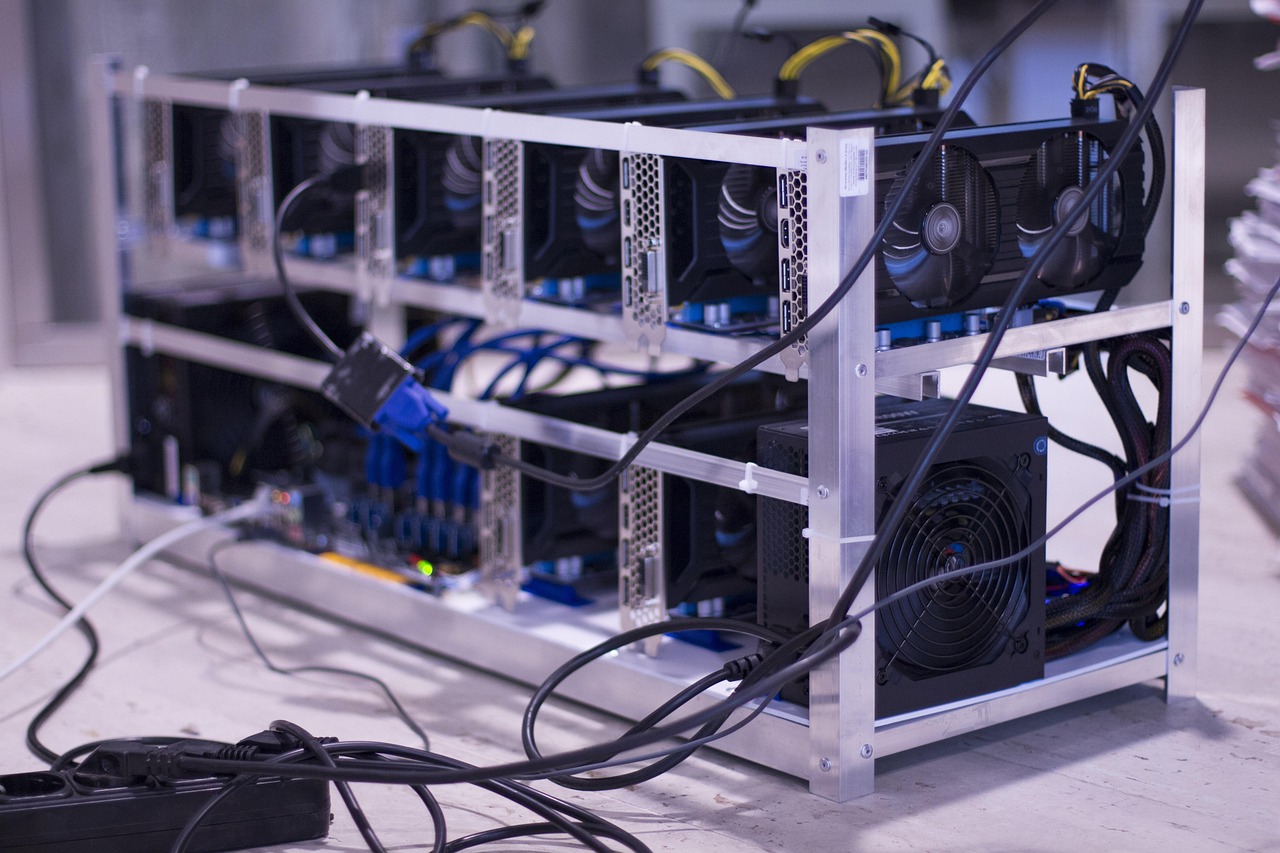
Graphics cards offer the best balance of cost, flexibility, and performance for newcomers. A modern GPU can mine a wide range of coins, including Ethereum Classic, Ravencoin, Ergo, and Kaspa, depending on the algorithm. Compared to CPUs, GPUs deliver much higher hashrates—often several gigahashes per second—while consuming manageable power. You can build a multi-GPU rig over time, scaling up as you learn. The hardware is widely available from mainstream retailers, and resale markets exist if you later decide to exit mining. The main drawbacks are upfront cost and the need for proper power delivery, cooling, and space.
When selecting GPUs, prioritize models with good performance-per-watt ratios. Look for cards with high memory capacity (8 GB or more) if you plan to mine Ethereum Classic or other memory-hard coins. Avoid cards marketed primarily for gaming unless they have strong compute performance and low idle power. Popular beginner-friendly GPUs include AMD Radeon RX 6700 XT and NVIDIA GeForce RTX 3060 Ti, but your choice should match local availability and price. You will also need a reliable power supply unit (PSU) rated for your total wattage plus headroom, a motherboard with enough PCIe slots, and adequate case airflow or open-frame design. Expect to spend more on cooling than on the GPUs themselves if you run multiple cards in a single rig.
ASIC miners: high power, high risk for beginners
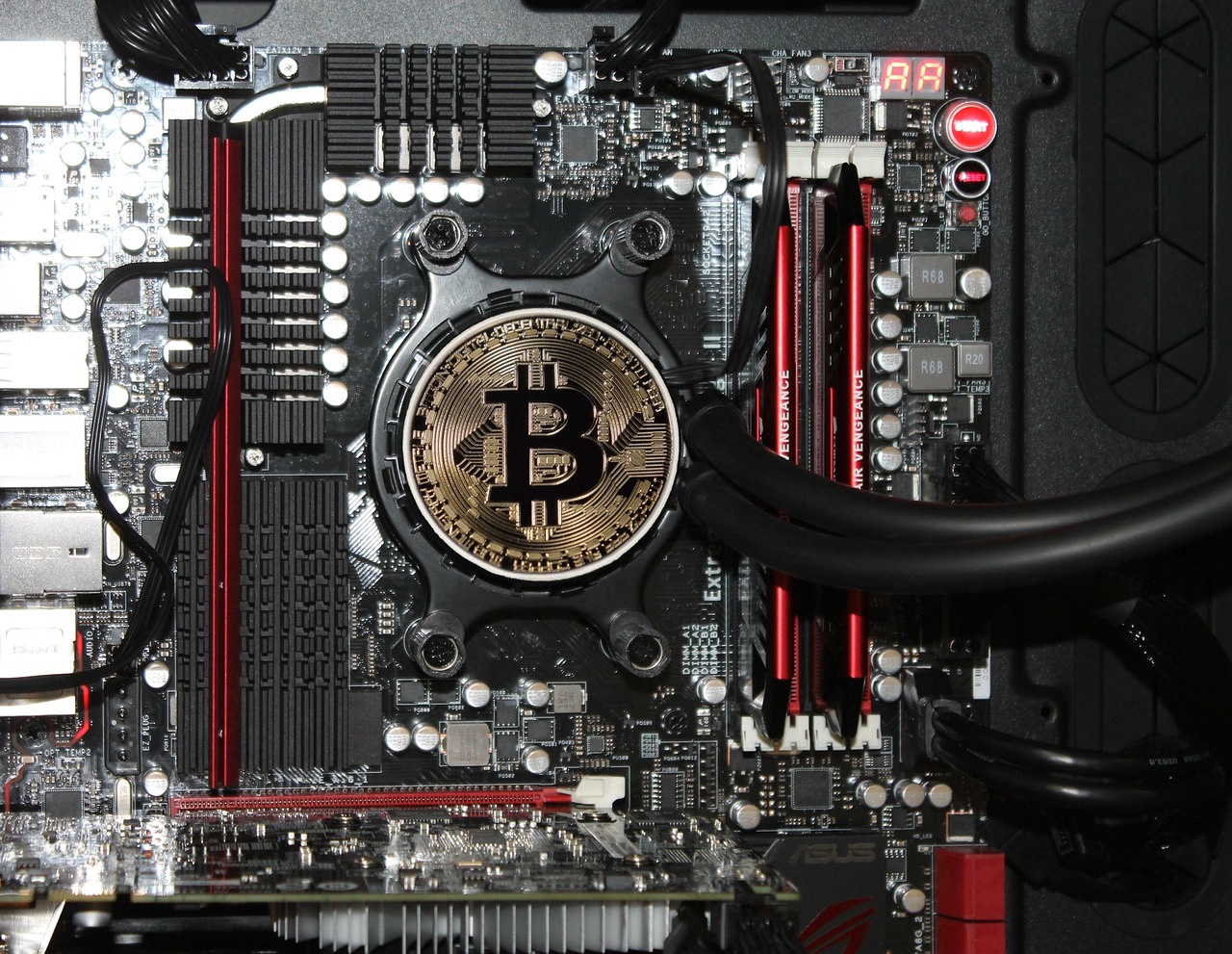
Application-specific integrated circuits (ASICs) are purpose-built machines designed to mine a single algorithm—most commonly SHA-256 for Bitcoin or Scrypt for Litecoin. They offer the highest hashrate and lowest power consumption per terahash, making them far more efficient than GPUs for their target coins. However, ASICs are expensive, noisy, and generate significant heat, which can be overwhelming for beginners. They also lock you into mining only the coin supported by their chip, so if that coin’s price drops or the network difficulty spikes, your hardware may become unprofitable overnight. Many newcomers buy ASICs only to realize they lack the space, cooling, or budget for reliable operation.
If you still want to try ASIC mining, start with a small unit such as an Antminer S19 series or Whatsminer M30S, but only if you have access to cheap, stable power and a dedicated space like a garage or shed. ASICs require careful power planning: each unit can draw 3,000 watts or more, so you need a high-amperage electrical circuit and possibly professional installation. Noise levels often exceed 75 decibels, which is louder than a vacuum cleaner, so soundproofing or remote placement is essential. Because ASICs depreciate quickly and resale markets are thin, treat them as a high-stakes experiment rather than a low-risk investment. Most beginners are better served by learning on GPUs first and only moving to ASICs once they have experience with power, cooling, and profitability calculations.
Power and electricity: the hidden cost that makes or breaks mining
Electricity is the largest ongoing expense in mining and often the deciding factor between profit and loss. A beginner rig with two mid-range GPUs can draw 500 to 800 watts at full load. If your local rate is $0.15 per kilowatt-hour and you run the rig 24/7, the monthly electricity cost can exceed $180. That is before accounting for cooling, network fees, or hardware depreciation. To stay profitable, aim for a power cost below $0.10 per kWh if possible. If your rate is higher, focus on low-power GPUs or coins with high value-to-difficulty ratios.
Before buying any hardware, calculate your expected daily earnings using a mining calculator that lets you input your hardware, power cost, and pool fees. Compare the result to your electricity bill. If the net profit is small or negative, reconsider your hardware choice or location. You can reduce power waste by using high-efficiency power supplies (80 Plus Gold or Platinum), enabling power-saving features in your BIOS, and undervolting your GPUs. For ASICs, consider mining during off-peak hours when electricity rates are lower. Over time, track your power usage with a plug-in meter to verify your calculations. Ignoring power costs is the most common beginner mistake and the fastest route to financial loss.








Real results from MEFAI's AI. Get $50 off the Pro plan.
Sponsored · Past performance is not indicative of future results. Not financial advice.

Cooling and noise: keeping your rig alive and your neighbors happy
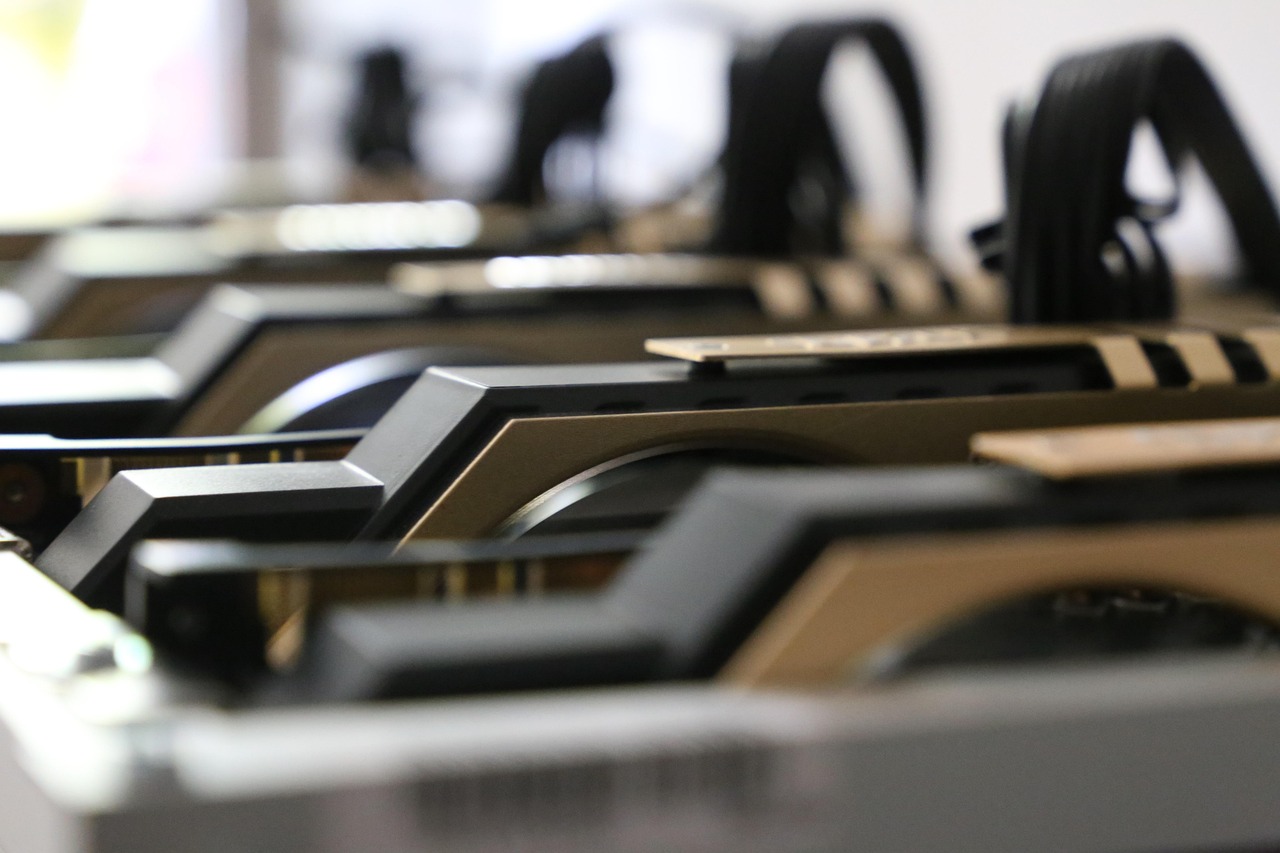
Mining hardware generates heat and noise, both of which can become serious problems in a home environment. A single GPU can raise the temperature of a small room by several degrees, while a multi-GPU rig can rival a space heater. Most GPUs ship with loud cooling fans that ramp up under load, and ASICs often include industrial fans that sound like jet engines. If you mine in a bedroom or living room, expect disrupted sleep and strained relationships. The solution is to plan your setup’s location carefully.
For GPU rigs, use open-frame cases or metal shelving to improve airflow and avoid stacking cards too closely. Add case fans or external blowers to direct hot air out of the room. If possible, place the rig in a basement, garage, or dedicated closet with ventilation. For ASICs, consider sound-dampening enclosures or placing the unit in a separate building. Monitor temperatures with software like HWInfo or GPU-Z, aiming to keep GPU core temperatures below 80°C and ASIC inlet temperatures below 60°C. If you notice thermal throttling or fan noise increasing over time, clean dust regularly and check power connections. Poor cooling shortens hardware lifespan and increases electricity waste, so treat it as a core requirement, not an afterthought.
Budgeting and scaling: how much to spend as a beginner
A realistic beginner budget for GPU mining starts around $1,000 to $2,000 for a two- to four-GPU rig, including GPUs, PSU, motherboard, risers, and basic cooling. You can begin smaller with a single used GPU and a repurposed PC, but expect lower earnings and higher wear on components. ASIC mining requires a much larger upfront investment—often $3,000 to $10,000 per unit—plus infrastructure costs for power and cooling. Because ASICs depreciate quickly, only spend what you can afford to lose or repurpose.
Start with the minimum viable setup that can teach you the basics: power draw, temperature management, pool selection, and profitability tracking. Reinvest early profits into better hardware or cooling rather than borrowing money. Avoid prebuilt “mining rigs” sold at inflated prices—many include low-quality components that fail within months. Instead, source parts yourself or buy tested used GPUs from reputable sellers. As you gain experience, you can scale up by adding more GPUs, upgrading your PSU, or moving to a dedicated space. The key is to treat mining as a learning process first and an income stream second. If your first rig pays for itself within six months, you are on the right track.
Choosing a mining pool and software to pair with your hardware
Hardware alone does not mine coins—you also need mining software and a pool. Mining software connects your hardware to the blockchain network and executes the mining algorithm. For GPUs, popular options include GMiner, lolMiner, and TeamRedMiner, each optimized for different algorithms and hardware. For ASICs, manufacturers provide official firmware and miners like Braiins OS or VNish. Most beginners join a mining pool to combine their hashrate with others and receive steady payouts, rather than waiting for a rare solo block.
When selecting a pool, look for low fees, transparent payout schemes, and servers close to your location to reduce latency. Pools like F2Pool, Ethermine, and 2Miners support a wide range of algorithms and have beginner-friendly dashboards. Some pools also offer merged mining, letting you earn multiple coins simultaneously. After choosing software and a pool, configure your miner with your wallet address and worker name, then monitor your hashrate and earnings. Most pools provide real-time statistics and alert you if your rig goes offline. Start with a small test run to ensure everything works before committing to long-term mining.
Long-term considerations: what to watch once your rig is running
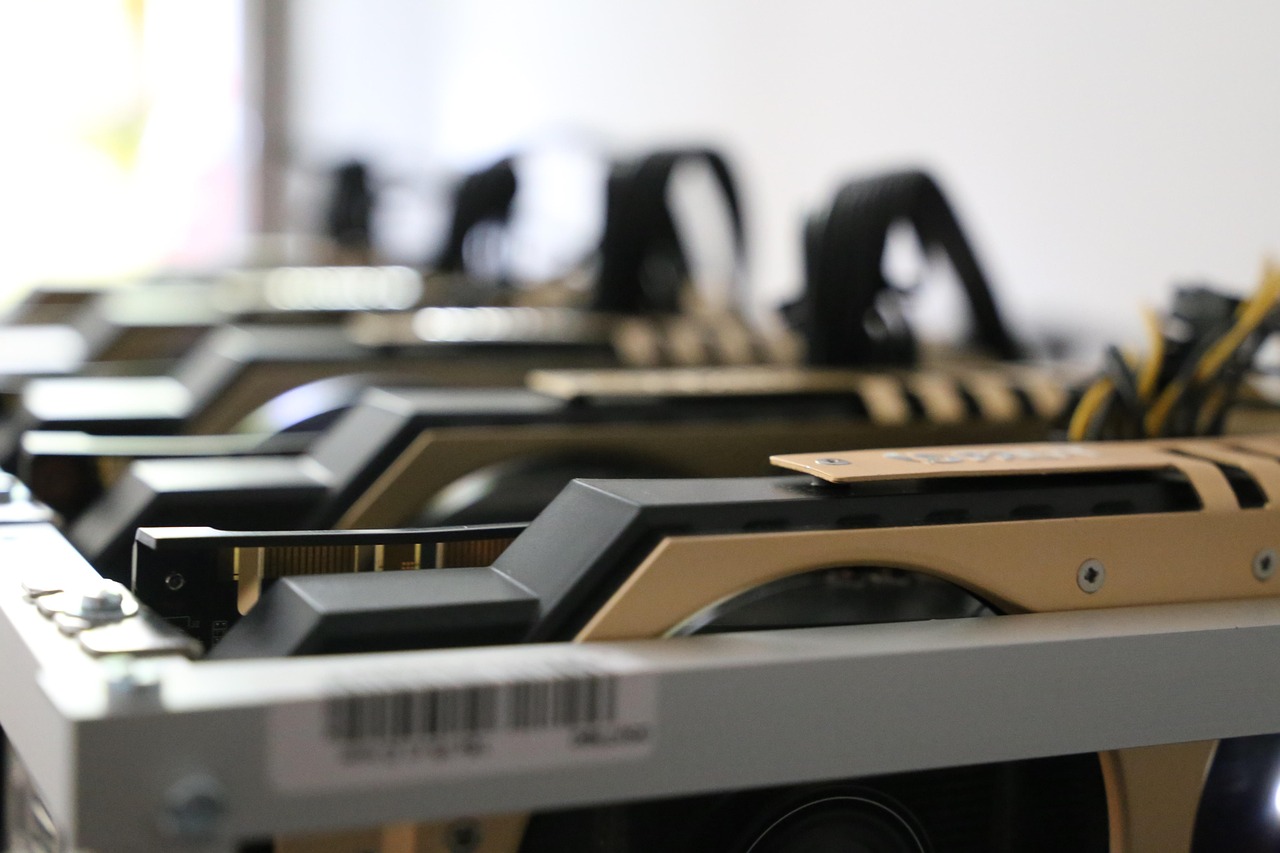
Once your hardware is mining, track your daily earnings against electricity costs and hardware depreciation. Use a spreadsheet or mining calculator to project break-even and payback periods. Watch for changes in coin prices, network difficulty, and pool performance, as these can shift profitability overnight. If a coin you are mining becomes unprofitable, switch algorithms or coins quickly using your mining software’s auto-switch feature.
Plan for hardware upgrades or replacements every 12 to 24 months, as GPUs wear out and newer models offer better efficiency. Consider selling old hardware before it fails to recoup some value. If you mine in a hot climate, invest in better cooling or move your rig to a cooler location. Over time, you may explore advanced setups like immersion cooling or hosting in regions with cheap hydroelectric power. For most beginners, the first year is about learning the basics and proving that mining can be sustainable. If you reach that point, you will have the knowledge and confidence to scale responsibly.
Bottom line: where beginners should start today
If you are new to mining, begin with a single mid-range GPU and a reliable power supply in a cool, ventilated space. Use free mining software and join a reputable pool. Expect modest earnings at first and focus on learning how to monitor power, temperature, and profitability. Only upgrade to multiple GPUs or ASICs after you have mastered the basics and confirmed that mining fits your budget and lifestyle.
Avoid the temptation to overspend or overcommit before you understand the true costs. Treat your first rig as a learning tool, not an investment vehicle. Once you can run a small setup profitably for three months, you will know whether to scale up, switch coins, or exit mining entirely. Start small, stay patient, and let real-world results guide your next steps.
More in Hardware & Gadgets
Prime Day’s Hidden Hardware Deals: What Tech Buyers Should Know
Prime Day drops prices on CPUs, GPUs, laptops and accessories — but not all discounts are equal. Here’s how to spot real savings and avoid gimmicks.

The 2026 Tech IPO Wave: What SpaceX, Anthropic and OpenAI Mean for Investors and the Market
Three high-profile tech companies—SpaceX, Anthropic and OpenAI—are preparing IPOs in 2026, reshaping public markets and testing investor appetite for AI and space hardware.
Nvidia’s Vera CPUs Head to China as GPU Sales Remain Constrained
Nvidia has told Chinese customers Vera CPUs could ship as early as August, offering an alternative as GPU sales remain frozen under export rules.