
GPUs & AI Hardware Compared: Matching the Right Option to Your Needs
By Mag-Info Tech editorial · 2026-06-10
Why hardware choice matters for AI today
AI models run on compute, and graphics processing units (GPUs) remain the most common engine for training and inference. Unlike CPUs, GPUs excel at parallel math, which is what neural networks demand. While cloud GPUs are convenient, buying your own card or accelerator gives you predictable costs, offline access and full control over data. The right choice depends on workload size, budget and whether you work alone or on a team.
Hardware options now include consumer gaming GPUs, professional data-center cards and dedicated AI accelerators. Each category targets a different mix of performance, cost and ease of use. This guide compares well-known options and explains who should pick what, with practical criteria you can apply when you shop.
Consumer gaming GPUs: the budget-friendly entry point
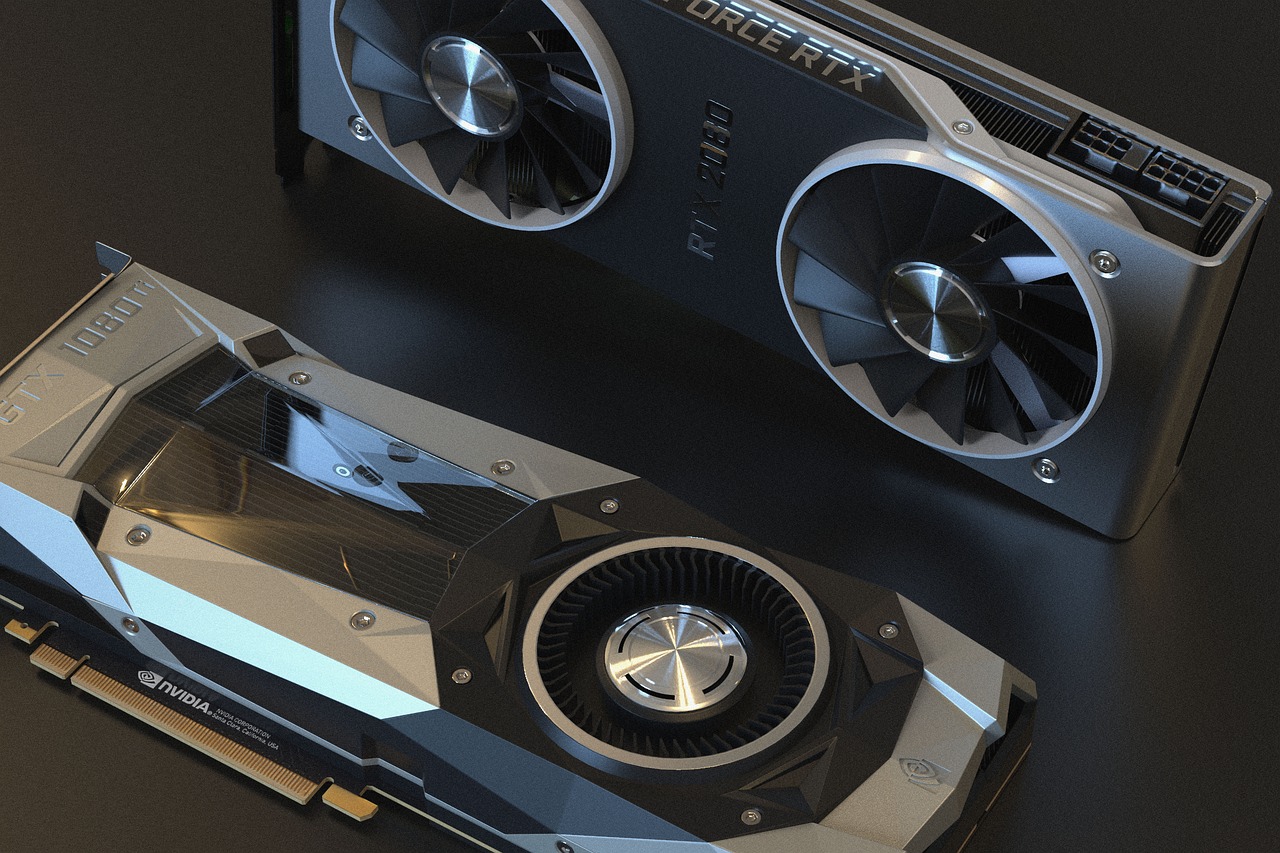
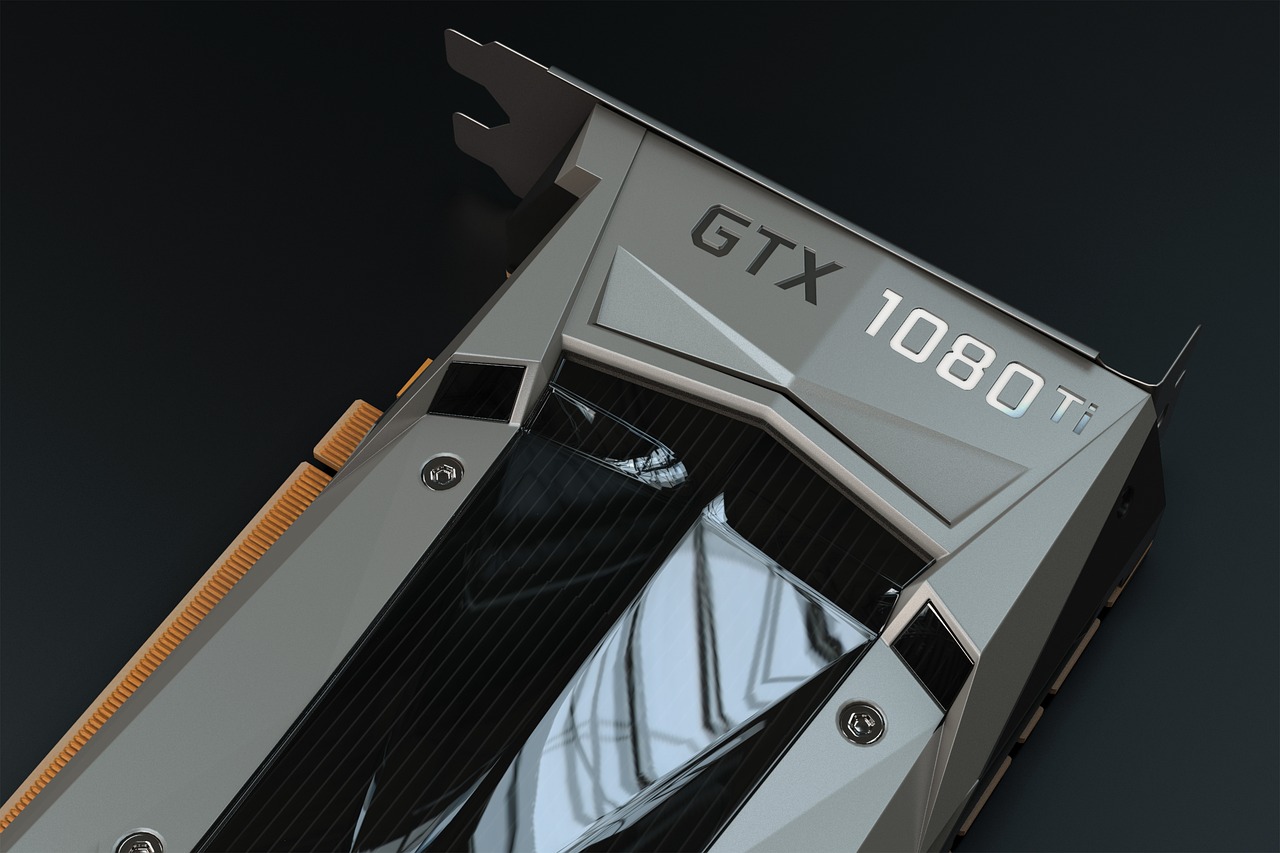
Consumer GPUs from Nvidia’s GeForce and AMD’s Radeon lines are widely available and inexpensive compared with professional or AI-specific cards. Models like Nvidia’s GeForce RTX 4090 and AMD’s Radeon RX 7900 XTX deliver thousands of compute cores and large framebuffers at prices that undercut professional alternatives. They are ideal for solo developers, students and small labs that need to prototype models, run inference or fine-tune LLMs without a big upfront investment.
These cards shine in mixed workloads. You can train small models or run inference while still using the same GPU for graphics and local development. Driver support is mature, and frameworks like PyTorch and TensorFlow integrate well. The main limitation is memory capacity and memory bandwidth for very large models. If your dataset or model exceeds the card’s VRAM, you will need to offload to system RAM or use smaller batch sizes, which slows training.
For teams on tight budgets, buying two mid-range consumer GPUs and linking them via NVLink or AMD’s Infinity Fabric can be a cost-effective way to scale compute. Just verify that your software stack supports multi-GPU scaling and that your power supply and case can handle the load.
Professional data-center GPUs: stability and software support
Nvidia’s professional lineup—Quadro RTX and RTX Ada Generation—shares the same architecture as GeForce but adds features aimed at workstation stability and certified software stacks. Cards like the RTX Ada Generation 6000 are designed for long-running workloads and come with ECC memory, which protects against silent data corruption during training. Driver quality and long-term support are stronger than on consumer cards, making them attractive for teams that need reliability.
These GPUs are often paired with Nvidia’s CUDA and cuDNN libraries, which are battle-tested in enterprise environments. If your team uses commercial AI tools or relies on vendor-certified software, a professional GPU can reduce compatibility headaches. The trade-off is higher cost per teraflop and larger physical size, which may require upgraded power delivery and server chassis.
AMD’s professional Instinct MI series competes here, offering similar compute density with HIP and ROCm software ecosystems. ROCm support has improved, but it still lags CUDA in some frameworks, so check compatibility before committing. For teams that already run AMD CPUs and want to avoid proprietary stacks, Instinct MI cards can be a strong alternative.
Dedicated AI accelerators: maximum throughput for inference
AI accelerators like Google’s Tensor Processing Unit (TPU) and Nvidia’s A100/H100 GPUs are purpose-built for large-scale matrix operations. They deliver far higher throughput on inference workloads than general-purpose GPUs, often at lower power draw per operation. If your primary workload is serving models in production—especially LLMs or vision transformers—an accelerator can cut latency and cost compared with repurposing a gaming card.
Nvidia’s A100 and H100 are the most widely adopted accelerators in data centers, offering features like Multi-Instance GPU (MIG) for sharing a single card among multiple users or services. Google’s TPU v4 and v5e are available through cloud services and on-premises pods, with strong performance on TensorFlow models. Both ecosystems provide mature tooling for model optimization, quantization and serving.
The main barrier is cost and ecosystem lock-in. These cards are expensive and often require custom servers, networking and cooling. They are best suited to teams with sustained inference demand or those running large-scale training clusters. Solo developers and small labs are usually better served by consumer or professional GPUs unless they can access accelerators through cloud credits or shared infrastructure.
Memory capacity and bandwidth: the bottleneck for large models
Modern AI models grow quickly in size, and VRAM has become the primary constraint for local training. Consumer GPUs typically offer 12–24 GB of GDDR6 or HBM2e memory, which is enough for small LLMs and vision models but insufficient for models larger than a few billion parameters. Professional GPUs push this to 48 GB or more, and accelerators like Nvidia’s H100 go up to 80 GB with HBM3, enabling training of much larger models without offloading.
Bandwidth matters as much as capacity. High-bandwidth memory (HBM) stacks on accelerators deliver terabytes per second of bandwidth, which keeps data flowing to the compute units. Consumer GPUs with GDDR6X can also deliver high bandwidth, but at the cost of higher power draw. When comparing cards, look at both VRAM size and memory type. If your model barely fits in 24 GB today, it may not fit tomorrow, so plan for headroom.
For teams, pooling memory across multiple GPUs via NVLink or PCIe Gen5 can help, but not all frameworks support unified memory over these links. Evaluate your framework’s multi-GPU memory management before buying a multi-GPU system.
Power, cooling and infrastructure readiness
AI hardware is power-hungry. A high-end consumer GPU can draw 350–450 W, while data-center GPUs and accelerators can exceed 700 W. Your power supply must match the card’s peak draw plus headroom for the rest of the system, and your case or rack must provide adequate airflow. Some enthusiast cases struggle with triple-fan cards, and data-center GPUs may require liquid cooling.








Real results from MEFAI's AI. Get $50 off the Pro plan.
Sponsored · Past performance is not indicative of future results. Not financial advice.

Cooling strategy affects stability and longevity. Consumer GPUs are designed for deskside use, while professional and accelerator cards often assume server environments with hot-swap fans and redundant power. If you are building a multi-GPU workstation, plan for case airflow and cable management early. For teams, consider shared infrastructure like a small render farm or cloud burst capacity to handle peak loads without over-provisioning.
Noise is another practical concern. Some cards spin fans aggressively under load, which can be distracting in a home office. Look for models with semi-passive cooling or aftermarket solutions if noise is a deal-breaker.
Software ecosystem and framework compatibility
Not all GPUs run all frameworks equally well. Nvidia’s CUDA dominates the AI software stack, with first-class support in PyTorch, TensorFlow and many research tools. AMD’s ROCm is improving but still trails in coverage, especially for newer models and proprietary frameworks. Professional GPUs from both vendors typically ship with certified drivers and support contracts, which can be valuable for teams.
If you rely on specific tools—such as Stable Diffusion, Llama.cpp or commercial LLMs—check the vendor’s compatibility matrix before buying. Some tools are optimized for Nvidia GPUs, while others support both. For teams using heterogeneous hardware, ROCm or OpenCL can provide portability, but expect extra integration work.
Cloud-native workflows can ease compatibility pain. Many teams develop locally on consumer GPUs and deploy to cloud accelerators or managed services. This hybrid approach lets you prototype quickly and scale reliably without rewriting code.
Solo developer vs. team vs. power user: matching the profile to the hardware
Solo developers and students should start with a mid-range consumer GPU. A card with 16–24 GB of VRAM and strong compute performance—like an Nvidia RTX 4080 or AMD RX 7900 XT—offers a good balance of cost and capability for learning, fine-tuning and small-scale inference. Pair it with an SSD and at least 32 GB of system RAM to avoid bottlenecks.
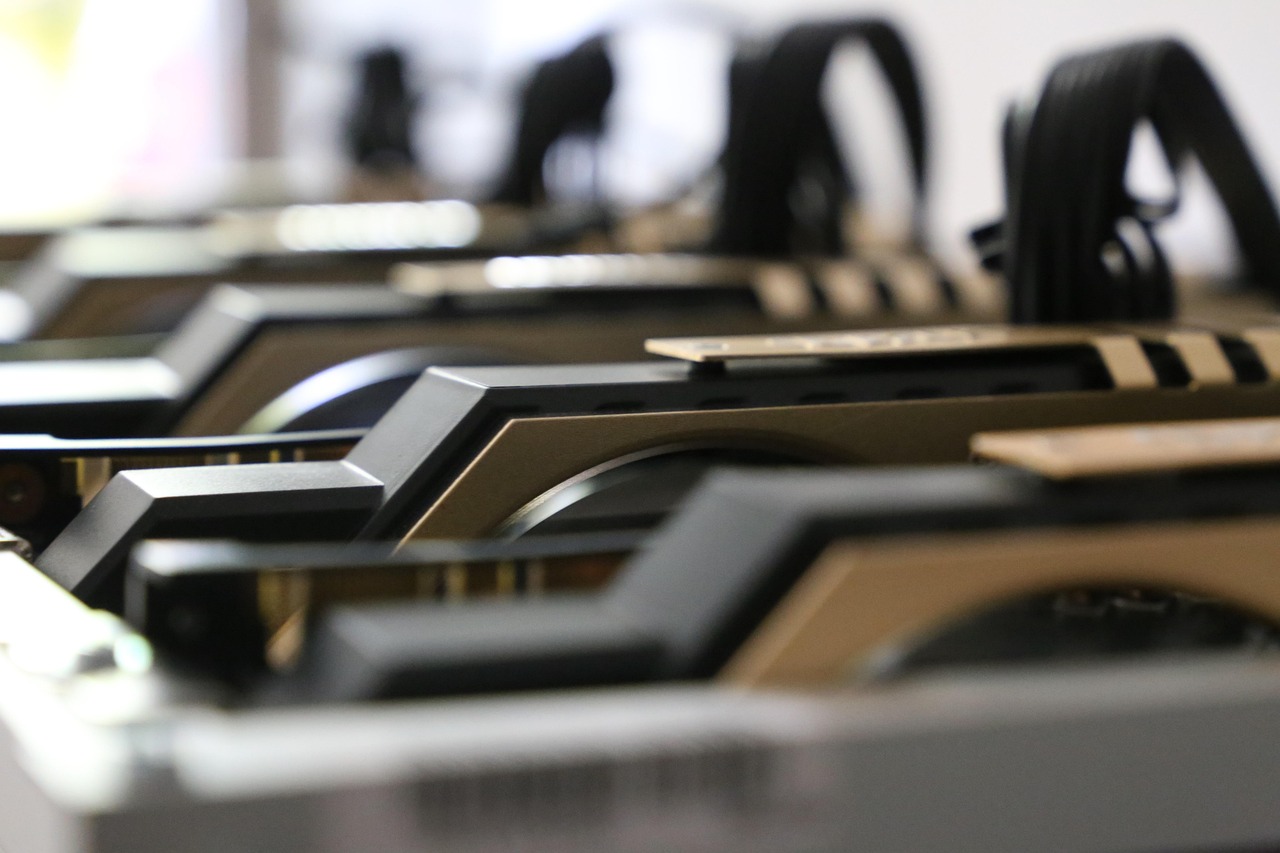
Small teams can scale by adding a second consumer GPU or moving to a professional workstation GPU like Nvidia’s RTX Ada Generation 5000 or AMD’s Instinct MI300X. These cards provide more VRAM, ECC and better driver support, which improves stability during long training runs. For teams with mixed workloads, a workstation with two professional GPUs and NVLink can serve as both a development machine and a small inference server.
Power users and production teams should consider data-center GPUs or accelerators. Nvidia’s A100 or H100 and AMD’s Instinct MI300 series deliver the throughput and memory capacity needed for large-scale training and inference. These cards are expensive and require server infrastructure, but they enable multi-user sharing via MIG or Kubernetes operators. If your workload is inference-heavy, a dedicated accelerator like Google’s TPU v4 can reduce latency and cost per query at scale.
Future-proofing and upgrade paths
AI hardware evolves quickly, but the fundamentals—memory capacity, bandwidth and software support—change more slowly. When buying, favor cards with the largest VRAM you can afford and the most modern memory type. Check that your motherboard and power supply can support the next generation of GPUs, even if you do not buy it immediately.
For teams, consider modular systems that let you swap GPUs as needs grow. Some workstations and servers support PCIe Gen5 and high-wattage PSUs, which future-proof the chassis. For accelerators, look at shared infrastructure like GPU-as-a-service or on-premises pods that can scale by adding more cards without redesigning the entire system.
Finally, budget for the software stack. Frameworks, drivers and optimization tools can add significant cost over time. Some vendors bundle support and updates with professional GPUs, which can be worth the premium for teams that cannot afford downtime.
Quick selection guide and practical next steps
If you are a solo developer or student focused on learning and small models, start with a consumer GPU in the 16–24 GB range. Pair it with an SSD and at least 32 GB of RAM, and ensure your motherboard has a PCIe Gen4 x16 slot. Install PyTorch or TensorFlow with CUDA or ROCm support, and benchmark your workflow before scaling up.
If you are on a small team running mixed workloads, consider a professional workstation GPU or a dual-GPU setup. Evaluate ECC, driver stability and framework support, and plan for a server-grade power supply and cooling. Test multi-GPU scaling in your framework before committing to hardware.
If you are a power user or running production inference at scale, evaluate data-center GPUs or dedicated accelerators. Factor in infrastructure costs—power, cooling, networking—and check compatibility with your serving stack. Consider cloud burst capacity for peak loads and on-premises options for sensitive data.
Before you buy, measure your actual workload. Run representative models with representative batch sizes and data types to see where the bottlenecks are. Memory capacity and bandwidth often matter more than raw FLOPS, so prioritize VRAM and memory type over theoretical compute. With the right hardware matched to your needs, you can prototype faster, train longer and serve models more reliably.
More in Hardware & Gadgets

Apple Expands App Store Subscription Bundles to Include Multiple Apps and Services
Apple will let iPhone users buy single-bill bundles of subscriptions from different apps and services later this year, simplifying spending and potentially boosting app discovery.

Laptops and PCs for Beginners: A Practical Guide to Your First Computer
A clear, evergreen guide to choosing your first laptop or desktop for work, AI tools and light gaming, with beginner-friendly picks and what to look for before you buy.

Free vs Paid Laptops & PCs: What’s Actually Worth Paying For
Free hardware tiers rarely cover real work needs; paid laptops and desktops deliver reliability, support and performance for work, AI and gaming.