
AI Video Tools: 7 Common Mistakes When Choosing Generators, Editors and Avatars
By Mag-Info Tech editorial · 2026-06-10
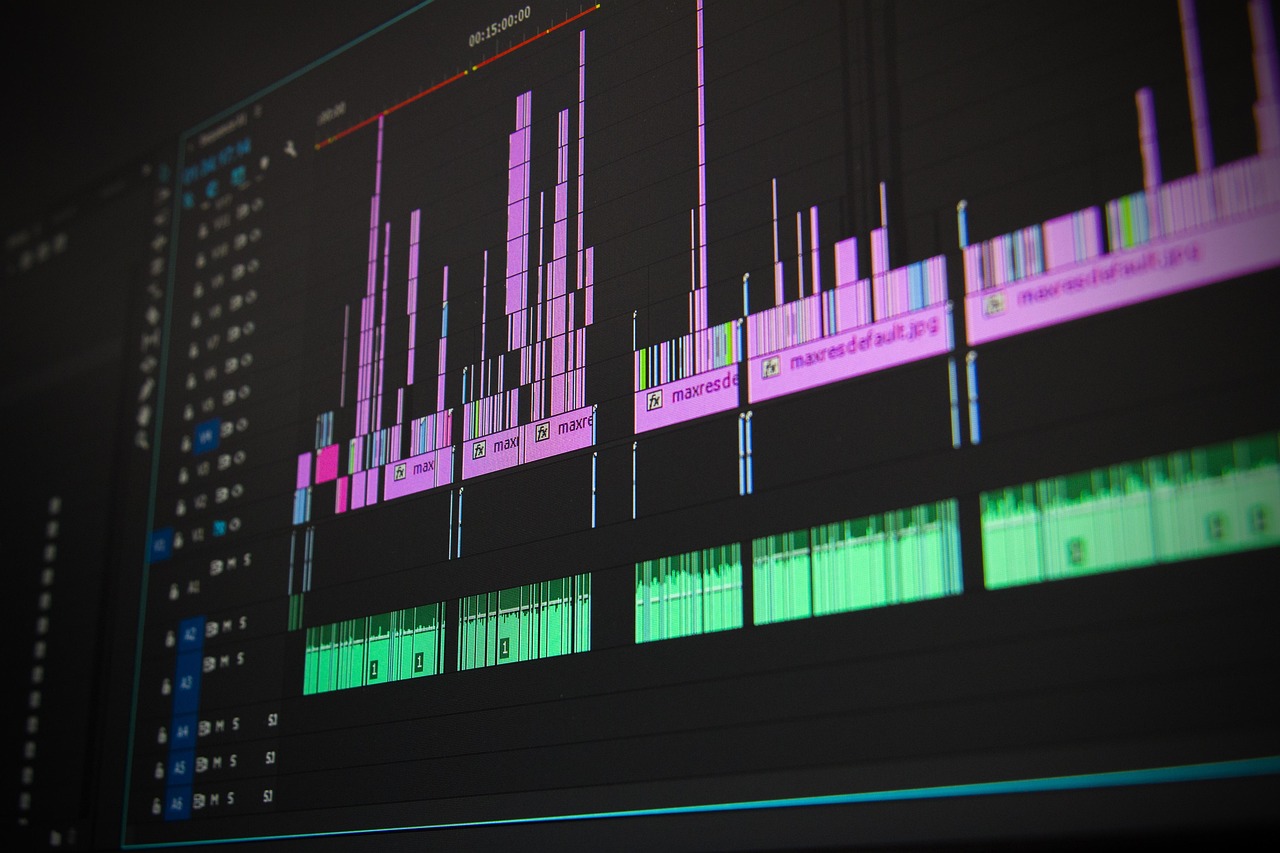
AI video tools promise fast creation, lower costs and professional results without deep editing skills. Whether you need AI-generated videos from text, automated editing assistants, or realistic talking avatars, the market offers dozens of platforms. Yet buyers frequently underestimate the complexity of these tools and end up with platforms that don’t match their needs, break under real workloads, or create outputs that look unprofessional.
Below are the seven most common mistakes people make when choosing AI video tools—and how to avoid them. Each section includes practical criteria and real-world implications to help you pick the right solution the first time.
1. Confusing “AI video generation” with “AI video editing”
Many buyers assume that an AI video generator can handle everything from script to final cut. In reality, most tools fall into one of two categories: generation or editing. Generation platforms like Synthesia or Pictory create new videos from text prompts or uploaded assets. Editing tools like Runway or Descript enhance existing footage with AI-powered cuts, captions, color grading and object removal.
Mixing these up leads to frustration. If you need to turn a blog post into a video, a generator is ideal. If you already have raw footage and want to polish it, an editing assistant is better. Some platforms, such as CapCut or InVideo, blur the line by offering both generation and basic editing in one interface. But even these tools often lack advanced editing features like multi-track timelines or motion graphics.
Before you choose, map your workflow. If your process starts with zero video and ends with a publishable asset, prioritize generation. If you begin with recorded footage, prioritize editing. A hybrid tool may work, but verify that its editing features are robust enough for your use case.
2. Prioritizing price over platform limits
Budget matters, but the cheapest AI video tool can become expensive when hidden limits block your workflow. Many platforms cap exports per month, restrict resolution, or watermark videos unless you upgrade. Others limit the number of AI avatars, voices, or scenes you can generate.
For example, a low-cost plan might allow only 10 minutes of AI-generated video per month or output at 720p resolution. If your project requires 50 minutes at 1080p, you’ll quickly outgrow the plan—or face overage fees. Similarly, some avatar tools restrict the number of minutes your AI presenter can speak per month, which can stall a series of training videos.
Evaluate limits against your expected volume and quality needs. Ask: How many videos will I produce each month? What resolution do I need for my distribution channels? Will I use AI avatars, and if so, how many minutes per month? Look for platforms with transparent pricing tiers and scalable credits or subscriptions. Remember that a mid-tier plan with higher limits often costs less in the long run than repeatedly upgrading or paying overages on a cheaper plan.
3. Ignoring language and accent support for global audiences
AI video tools often default to English, but many creators and businesses serve multilingual audiences. If your audience speaks Spanish, French, German, Japanese or Arabic, your chosen tool must generate accurate voiceovers and captions in those languages. Some platforms support only a handful of languages, while others offer dozens with varying quality.
Even within a supported language, accents and dialects can cause issues. A US English voice may sound unnatural to UK audiences. Some tools let you choose regional accents, but many do not. This is especially critical for avatar tools, where lip-sync accuracy depends on the voice model.
Before committing, test the platform with a sample script in your target language. Check for natural pronunciation, timing and emotional tone. If your audience is global, prioritize tools with native speaker voices and regional accent options. Also verify caption accuracy and localization support, since captions are often the first thing viewers notice in non-native content.
4. Assuming AI avatars look and sound human
AI talking avatars can save time and cost compared to hiring actors, but not all avatars are created equal. Some tools produce uncanny, robotic presenters that undermine credibility. Others offer photorealistic avatars that move naturally and speak with human intonation.
The difference lies in the underlying technology. Basic avatar tools use pre-recorded voice samples and simple lip-sync, resulting in stiff, unnatural delivery. Advanced platforms use diffusion models or neural rendering to generate lifelike facial expressions and realistic voice synthesis. Tools like HeyGen, D-ID or Synthesia offer different avatar tiers, with premium options delivering higher realism.
Even with advanced tools, results vary by use case. Corporate training videos or internal communications may tolerate less realism than marketing campaigns or customer-facing content. If you plan to use avatars for external branding, invest in a platform with high-quality avatars and realistic voice models. Always preview sample outputs before purchasing and consider running a small pilot to assess audience perception.
5. Overlooking integration with existing workflows
AI video tools don’t exist in isolation. Your team likely uses project management software, cloud storage, content management systems and marketing tools. If the AI video platform doesn’t integrate smoothly, you’ll waste time manually exporting, reformatting and uploading files.
Common integration gaps include lack of APIs, poor support for standard file formats, and manual caption or subtitle workflows. Some platforms only export MP4 files, while others support WebM or MOV. If your CMS expects specific formats or resolutions, you may need to transcode files before publishing, adding complexity.
Look for tools that connect to your stack via native integrations or webhooks. For example, if you use Notion for content planning, a tool with a Notion plugin can streamline script-to-video workflows. If you rely on Adobe Premiere or Final Cut Pro, check whether the platform supports direct export or plugin integration. A tool with strong API access and webhook support is more future-proof as your workflows evolve.








Real results from MEFAI's AI. Get $50 off the Pro plan.
Sponsored · Past performance is not indicative of future results. Not financial advice.

6. Neglecting compliance and content safety policies
AI-generated video can raise legal and ethical concerns, especially around likeness, copyright and data privacy. Some avatar tools use real people’s likenesses without clear consent, which can lead to legal risks. Others scrape online content to train models, raising copyright issues for commercial use.
Platforms like Synthesia and HeyGen provide guidelines on avatar usage and content ownership, but not all do. Some tools allow you to upload your own voice or likeness, reducing risk, while others generate content from public datasets. If you plan to use AI avatars for commercial branding, verify that the platform grants you full rights to the output and indemnifies you against claims.
Data privacy is another concern. Some tools process video data in the cloud, which may not comply with regional regulations like GDPR or CCPA. Others offer on-premise or private cloud deployments for sensitive content. If you work in healthcare, finance or education, prioritize platforms with strong privacy controls and compliance certifications.
Always review the terms of service and content policy before purchasing. Ask: Who owns the generated video? Can I use it commercially? Where is my data processed and stored? A tool with clear policies and strong compliance features is safer for long-term use.
7. Underestimating the need for human review and customization
AI video tools are powerful, but they’re not perfect. Automated generation can produce errors in timing, captions, branding and visuals. Avatars may mispronounce words or display unnatural expressions. Edits can introduce artifacts or mismatched audio.
Many buyers assume AI output is ready to publish, only to discover glitches during final review. This leads to last-minute revisions, re-rendering delays and added costs. Even the best tools require human oversight for quality control, branding alignment and creative tweaks.
Build review time into your budget and schedule. Plan for at least one round of human editing, even if the tool claims to be “fully automated.” Use the platform’s editing features to fine-tune timing, captions and visuals. If your content requires branding consistency, upload brand fonts, colors and style guides to the platform if supported.
For avatar-based content, record a short test video and review it with stakeholders. Check for lip-sync accuracy, voice tone and emotional delivery. If the avatar feels off, consider using a human presenter or a higher-tier avatar model. Remember: AI accelerates production, but human judgment ensures quality.
How to choose the right AI video tool: a practical checklist
Use this checklist to avoid the seven mistakes above and select a tool that fits your needs.
-
Define your primary use case • Are you generating videos from text, editing existing footage, or using AI avatars? • Will you need all three capabilities, or just one?
-
Map your volume and quality needs • How many minutes of video will you produce per month? • What resolution and format do you need? • Do you need AI avatars, and if so, how many minutes per month?
-
Confirm language and accent support • List your target languages and dialects. • Test sample outputs in each language before committing.
-
Assess avatar realism and voice quality • Preview sample avatars in your target languages. • Consider whether photorealistic avatars are necessary for your use case.
-
Check integration with your workflow • List your core tools (CMS, project management, editing software). • Verify API access, file format support and plugin availability.
-
Review compliance and content policies • Confirm ownership rights and commercial usage terms. • Check data processing locations and privacy certifications.
-
Plan for human review and customization • Budget time for quality control and revisions. • Upload brand assets and style guides if supported.
Final verdict: avoid the pitfalls, pick with purpose
AI video tools can transform content creation, but only if you choose wisely. The most common mistakes—confusing generation with editing, prioritizing price over limits, ignoring language support, assuming avatars are human, overlooking integrations, neglecting compliance and underestimating review needs—can derail even the most promising project.
Start by clarifying your workflow and audience. Test tools with sample scripts and avatars in your target languages. Evaluate pricing tiers against your volume and quality needs. Confirm integration capabilities and compliance policies before purchasing. And always build in time for human review and customization.
The right AI video tool doesn’t just save time—it becomes a reliable partner in your content pipeline. Choose with intention, and your videos will look and sound professional, not like they were made by a machine.
More in Artificial Intelligence

AI-Powered Crypto Exploits: What the Release of Claude Mythos Fable 5 Means for Blockchain Security
Anthropic’s new Fable 5 model lowers the barrier to finding smart-contract vulnerabilities, raising risks for DeFi and crypto users. Here’s what changed and what you can do.

AI Writing Tools for Beginners: Your Essential Guide to Getting Started
Discover how AI writing tools can supercharge your content creation. This guide explains the basics, compares top beginner-friendly options like Jasper and Copy.ai, and offers clear criteria to choose

Free vs Paid AI Writing Tools: What's Actually Worth Your Money
Deciding between free and paid AI writing tools depends on your volume, quality needs, and workflow. Free tiers handle basic tasks well, but paid plans unlock longer content, advanced features, and br