
Dell 15-inch Laptop Price Drop: What a $250 Discount Means for Buyers
By Mag-Info Tech editorial · 2026-06-20
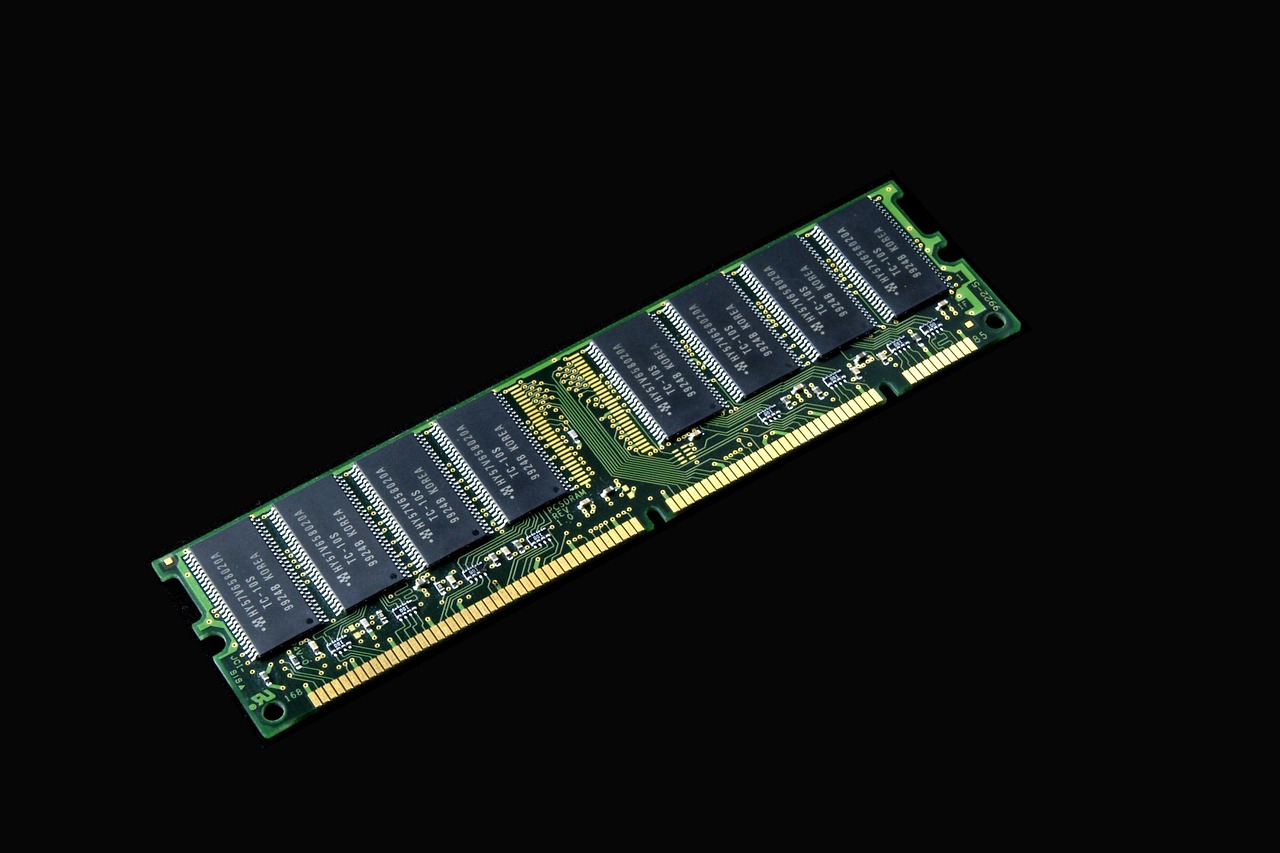
A sharp price cut on Dell’s 15-inch laptop—dropping from $599 to $349—puts a mainstream Windows machine within reach of students, remote workers and budget-conscious professionals. The model in question includes a hexa-core processor and 8GB of RAM, which suggests it can handle everyday productivity tasks without stuttering. But a low price tag alone isn’t enough to guarantee long-term value. Understanding the hardware, the trade-offs in performance, and how this compares to alternatives can help buyers decide whether the deal is worth taking now or worth waiting to see if prices dip further.
Why the sudden $250 price cut matters
Price reductions of this magnitude are uncommon for brand-new laptops outside of seasonal sales. A $250 discount on a non-refurbished Dell 15-inch model with a hexa-core chip and 8GB RAM signals either excess inventory, a push to clear older stock ahead of a refresh, or aggressive pricing to capture market share in a segment dominated by budget Chromebooks and low-cost Windows machines. For consumers, the timing is convenient: back-to-school shoppers, remote workers upgrading from tablets, and small-business owners replacing aging desktops all need reliable hardware without overspending.
The discount likely reflects a strategic move rather than a permanent price reset. Manufacturers often use temporary promotions to stimulate demand during slower periods, especially when newer models are imminent. Buyers should therefore treat this as a limited-time opportunity rather than assume the same price will persist indefinitely. If the laptop meets your current needs, acting within the promotion window avoids the risk of paying full price later.
Hardware deep dive: what a hexa-core CPU and 8GB RAM actually deliver
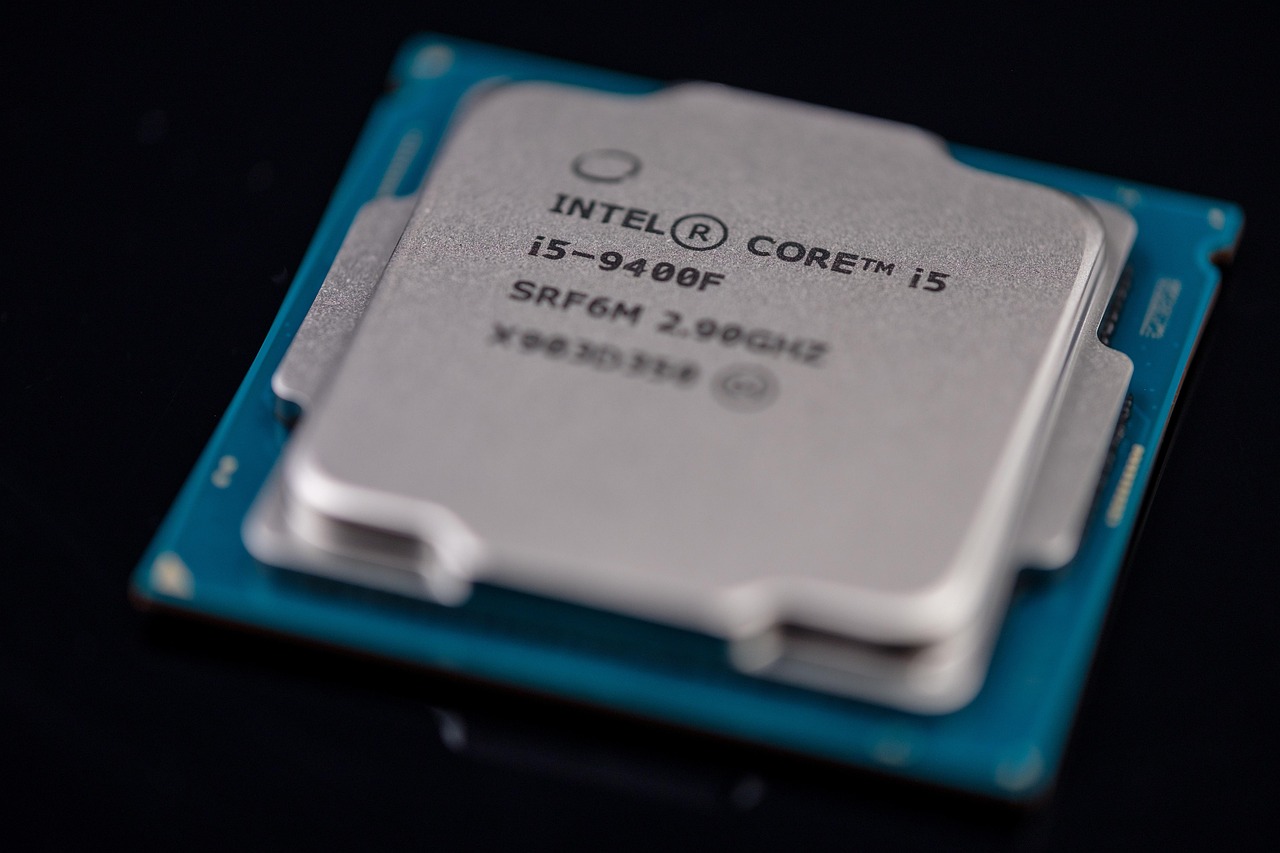
A hexa-core processor in a 15-inch laptop typically belongs to Intel’s Core i5 or AMD’s Ryzen 5 family, both of which balance performance and power efficiency for everyday use. These chips can handle multitasking—running a browser with 15 tabs, a spreadsheet, and a lightweight photo editor simultaneously—without noticeable slowdowns. The inclusion of 8GB RAM supports this workload, though it’s worth noting that modern operating systems and applications increasingly consume memory. Users who routinely run virtual machines, edit 4K video, or keep dozens of browser tabs open may find themselves pushing against the limit sooner than expected.
Storage is another critical factor. Many budget laptops ship with 256GB or 512GB solid-state drives (SSDs), which offer faster boot times and app launches compared to traditional hard drives. However, the promotional price doesn’t always specify storage capacity, so buyers should verify whether the $349 configuration includes an SSD or a slower HDD. An HDD would significantly degrade responsiveness, undermining the benefits of a modern CPU. If the deal includes a smaller SSD, upgrading storage later is an option, but it adds cost and complexity.
Performance expectations for real-world tasks
For general productivity—email, document editing, video calls, and web browsing—the hexa-core CPU and 8GB RAM should deliver smooth performance over several years. Light photo editing in tools like GIMP or Canva, and even basic video editing in iMovie or Clipchamp, are feasible, though rendering times will be longer than on a dedicated graphics card or a machine with more RAM. Casual gaming on integrated graphics is possible for older or less demanding titles, but newer games or those requiring discrete GPUs will struggle.
Battery life is another area to manage expectations. Laptops in this price range often ship with 45Wh to 60Wh batteries, which translates to roughly 6–8 hours of mixed use. Heavy workloads, video playback, or backlight adjustments can reduce that figure by 30–50%. If portability is a priority, pairing the laptop with a compact power bank can mitigate downtime during travel or long workdays.
Who benefits most from this price drop
This deal is particularly attractive for three groups: students who need a reliable laptop for note-taking, research, and light creative work; remote workers transitioning from tablets or smartphones to a full desktop experience; and small-business owners who require a secondary machine for client meetings or administrative tasks. The hexa-core processor ensures the laptop won’t feel sluggish during typical office applications, while the 15-inch display offers more screen real estate than 13-inch or 14-inch alternatives.
However, users with more demanding needs—developers running virtual machines, designers working with large files, or gamers—should approach this model with caution. While the hexa-core CPU is capable, it lacks the thermal headroom and power delivery of higher-tier chips. Similarly, 8GB RAM may become a bottleneck for future software updates, especially as operating systems and applications grow more resource-intensive. These users might be better served by investing in a mid-range model with 16GB RAM and a faster SSD, even if it costs slightly more upfront.
How this compares to the competition








Real results from MEFAI's AI. Get $50 off the Pro plan.
Sponsored · Past performance is not indicative of future results. Not financial advice.

In the sub-$400 segment, buyers often face a choice between budget Chromebooks, refurbished business laptops, and entry-level Windows machines. Chromebooks, for example, run ChromeOS and excel at web-based tasks but struggle with offline applications and advanced software. Refurbished business laptops—such as those from Dell Latitude or Lenovo ThinkPad lines—can offer similar specs at lower prices, but they may lack warranty coverage or modern ports like USB-C.

Compared to those options, the discounted Dell 15-inch model offers a balance of performance and familiarity. It runs full Windows, supports a wider range of software, and likely includes a more recent CPU generation than many refurbished alternatives. However, the warranty and build quality of a new machine should be weighed against the potential savings of a refurbished unit. Buyers should also consider the total cost of ownership, including accessories like a mouse, case, or additional storage, which can add $50–$100 to the budget.
Long-term value: what to watch after the purchase
Even with a strong discount, the laptop’s long-term value depends on several factors. First, check the warranty: a one-year limited warranty is standard for consumer models, but some retailers or manufacturers offer extended coverage for a fee. Second, assess upgradeability. Many 15-inch laptops solder RAM and storage directly to the motherboard, making future upgrades impossible or costly. If you anticipate needing more memory or storage down the line, prioritize models with accessible slots.
Software support is another consideration. Windows 11 requires a relatively modern CPU and TPM 2.0 compatibility, which most new laptops meet. However, older or budget models may not receive feature updates for the full support lifecycle, potentially leaving the laptop vulnerable to security risks or compatibility issues. Buyers should verify the laptop’s eligibility for Windows 11 upgrades before purchasing.
Finally, monitor prices in the weeks following the promotion. If the laptop remains at $349 or lower, it may indicate a permanent price adjustment, making it a safer long-term investment. If prices rebound to near $599, it suggests the discount was temporary, and waiting for the next sale could yield better savings.
Alternatives to consider before committing
If the Dell 15-inch model doesn’t quite fit your needs, several alternatives warrant consideration. A 14-inch ultrabook with a similar hexa-core CPU and 16GB RAM—such as models from Acer Swift or ASUS Vivobook lines—offers a more portable form factor without sacrificing too much performance. These machines often include faster SSDs and better battery life, making them ideal for users who prioritize mobility.
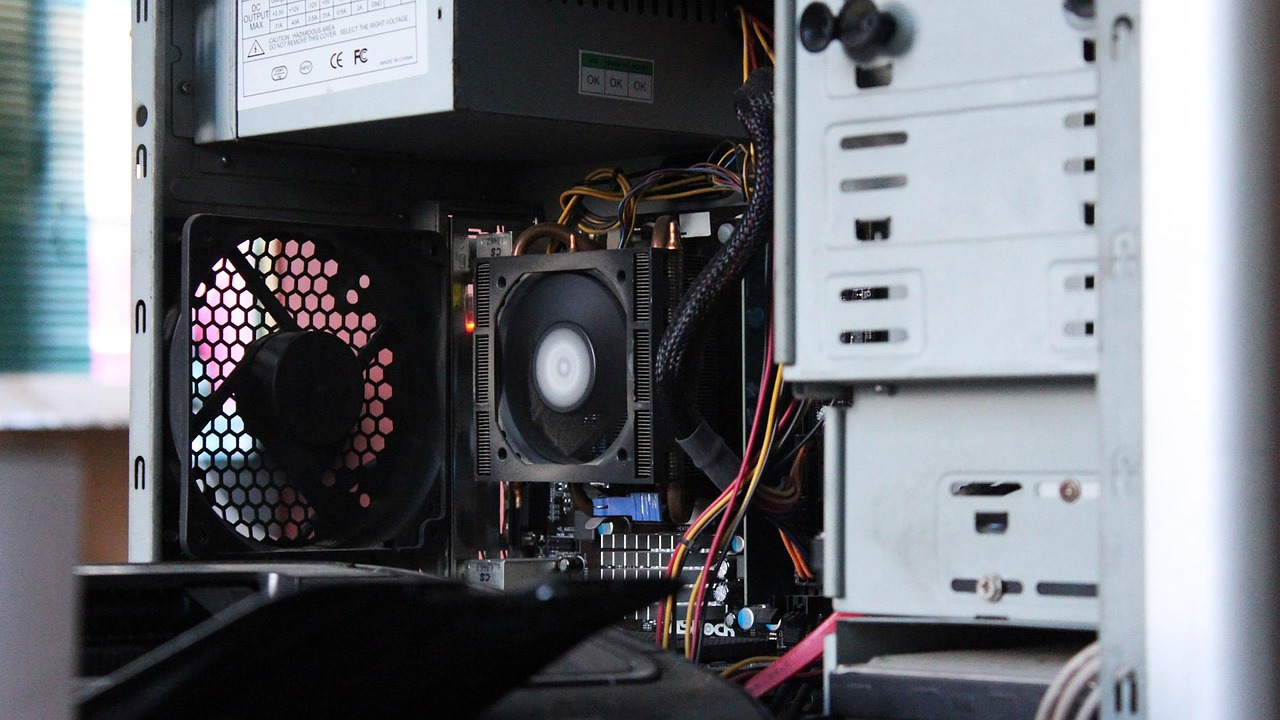
For those who prefer macOS or need better build quality, refurbished MacBook Air models with M1 chips can be found in the same price range. While they lack the Windows ecosystem’s flexibility, they offer superior performance per watt and longer software support. However, they may require adapting to macOS workflows, which isn’t ideal for everyone.
Gaming-focused laptops, though typically more expensive, can be found on sale with GTX 1650 or RTX 3050 GPUs for around $500–$600. These machines are overkill for productivity but provide a significant boost for light gaming and creative workloads. Buyers should weigh the trade-off between gaming performance and portability, as these laptops tend to be heavier and have shorter battery life.
Practical advice: should you buy now or wait?
The decision hinges on your immediate needs and budget flexibility. If you’re replacing an aging laptop, upgrading from a tablet, or equipping a student for the school year, the discounted Dell 15-inch model is a compelling option. It delivers reliable performance for everyday tasks at a price that’s difficult to match elsewhere. However, if your workload involves heavier multitasking, creative work, or gaming, consider allocating a bit more budget for a model with 16GB RAM, a faster SSD, or a dedicated GPU.
For those who can afford to wait, monitor price trends for the next 4–6 weeks. Major retailers often run back-to-school sales in late summer, and Black Friday promotions in November can offer even steeper discounts on similar hardware. If the laptop’s price remains stable or drops further, it may be worth waiting to ensure you’re getting the best possible deal.
Regardless of when you buy, verify the exact specifications—CPU generation, RAM, storage type and capacity, and display resolution—before finalizing the purchase. Retail listings can sometimes be misleading, and a small difference in specs can have a big impact on usability. With the right preparation, this price drop can be a genuine opportunity to upgrade without overspending.
More in Hardware & Gadgets
Cooler Master NR2 Pro Mini-ITX Packs RTX 5080 Into a Compact Liquid-Cooled Gaming PC
The Cooler Master NR2 Pro bundles a liquid-cooled RTX 5080, Intel Core Ultra 7 265F, 2 TB Gen4 SSD and NR200P Max chassis into a $2,799.99 mini-ITX system that runs 4K titles smoothly.
Corsair’s 14.5-inch Xeneon Edge touchscreen monitor drops to $199.99: what it does and who should buy it
Corsair’s 14.5-inch Xeneon Edge touchscreen monitor is on sale for $199.99, a 20% discount. We explain what it is, how it compares, and who should consider buying it.
iOS 27: AI quietly transforms everyday iPhone tasks beyond Siri
Apple is embedding AI across iOS 27 to handle practical tasks like splitting bills, locking down passwords, and organizing information without requiring users to talk to Siri.